For the music venue I was responsible for modelling the church/building, the amplifier and the microphone.
First I created a box for the building’s site reference and a human reference box as well.
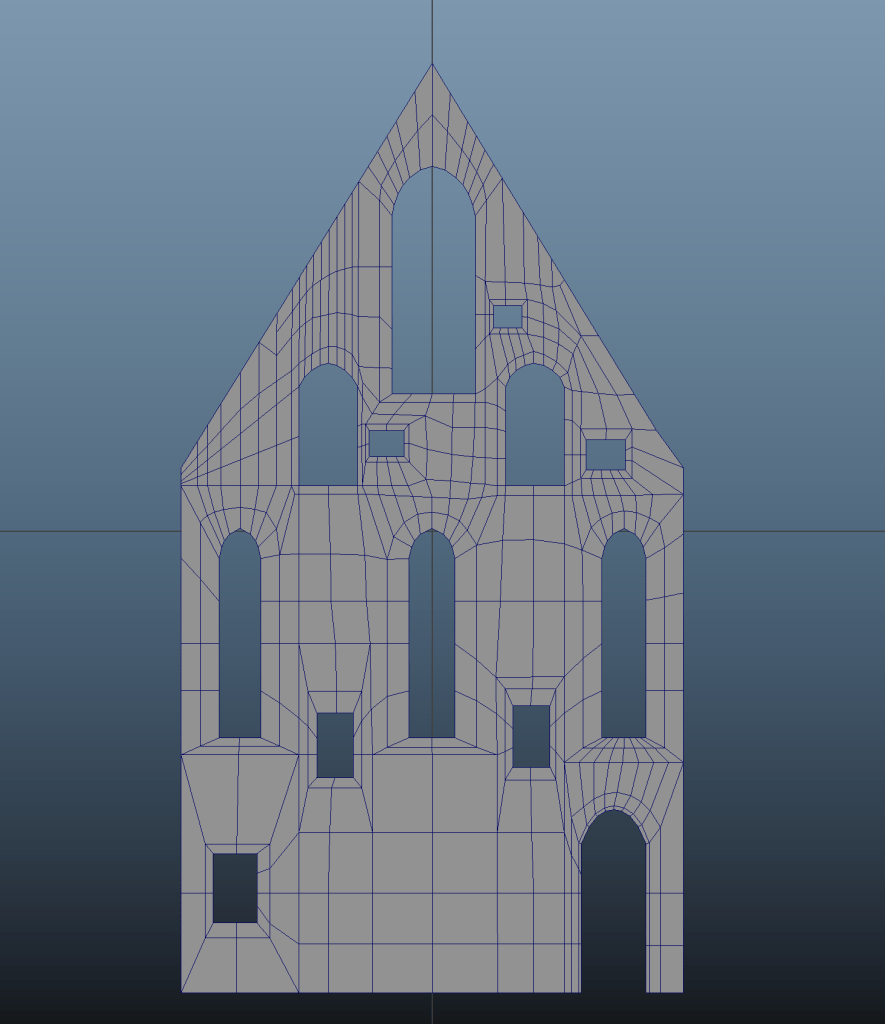
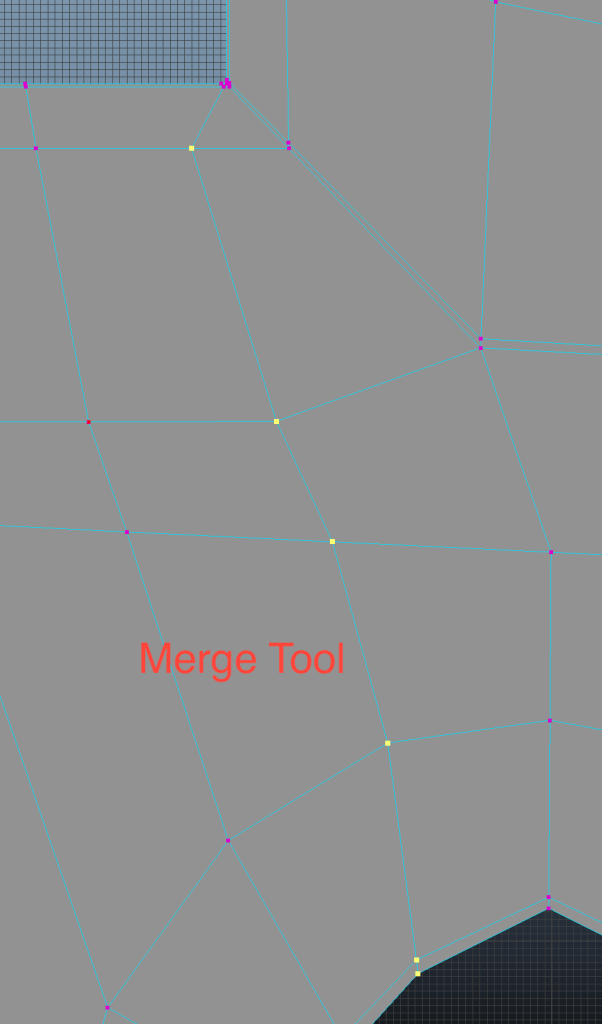
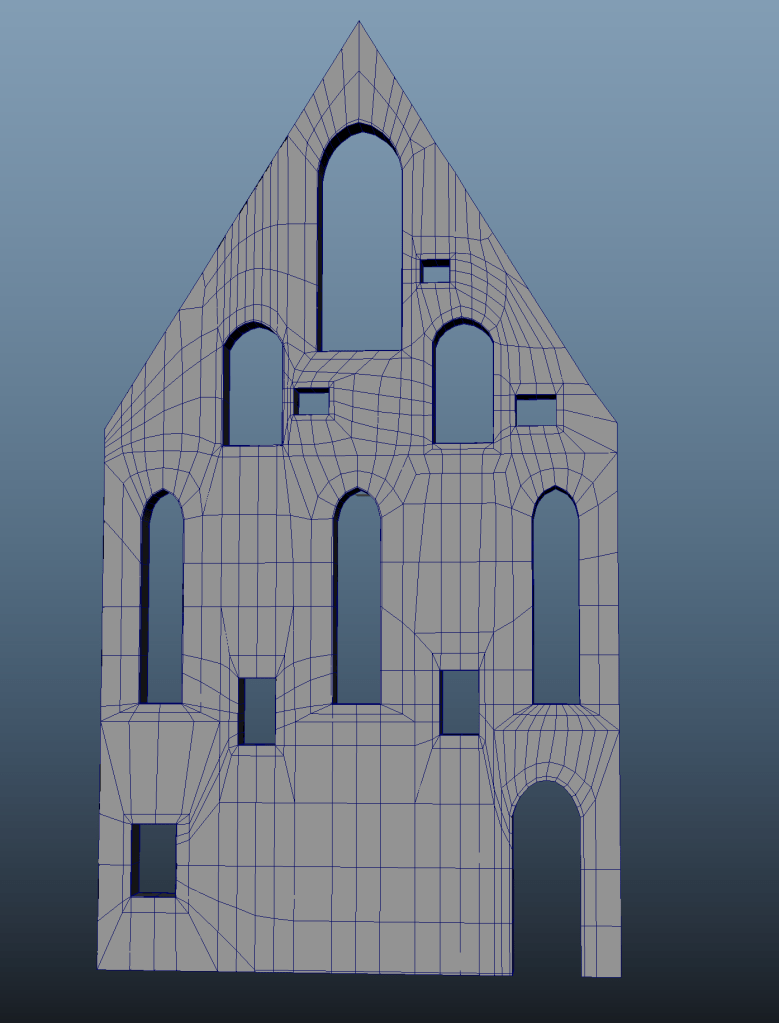
The building is created in two parts – Front wall and side walls. Both of them started as planes. I created a plane mesh, then using edge loops marked the windows and the door, extruded the planar faces to create the windows and then deleted the faces the make holes. Adding edge loops I gave the windows their shape. After the planar model was ready, I extruded it to give it 3D dimensions. Then, I added the edge loops to the corners to retain the shape when smoothing. I Used the edge slide feature I adjusted the loops to make a cleaner topology and avoid potential shading issues. Some edge loops were possible to be merged together to reduce polycount.
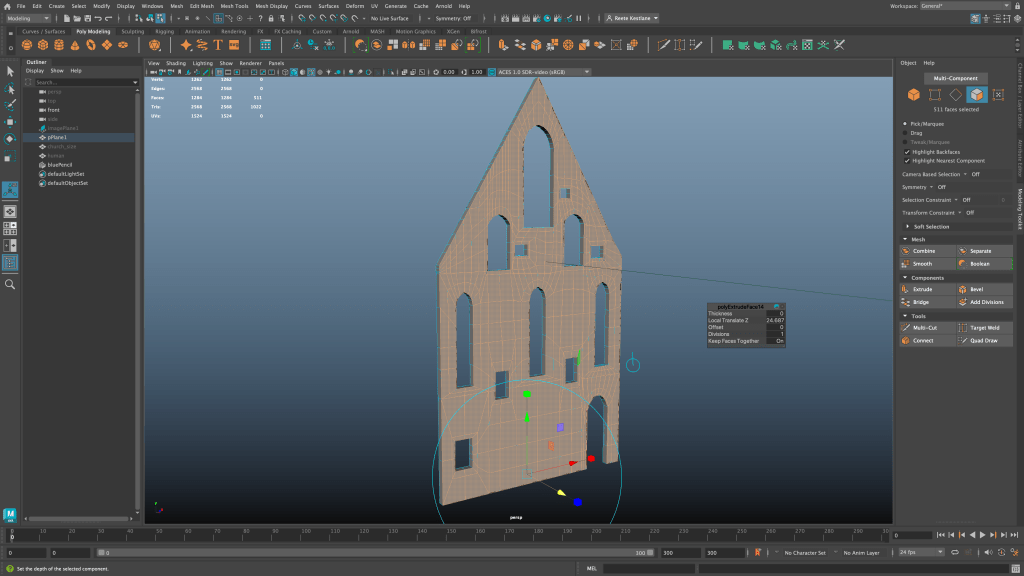
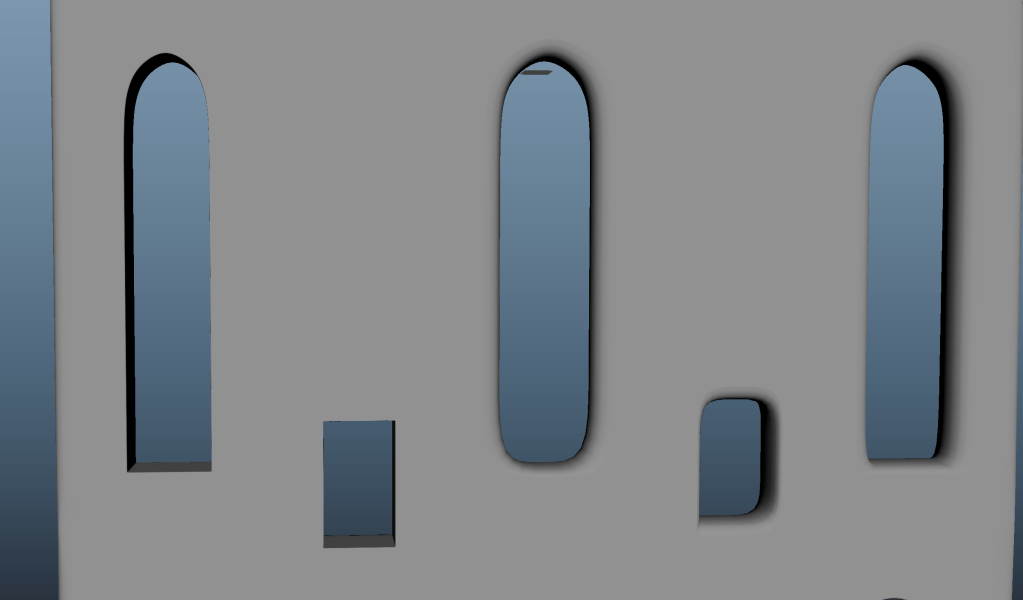
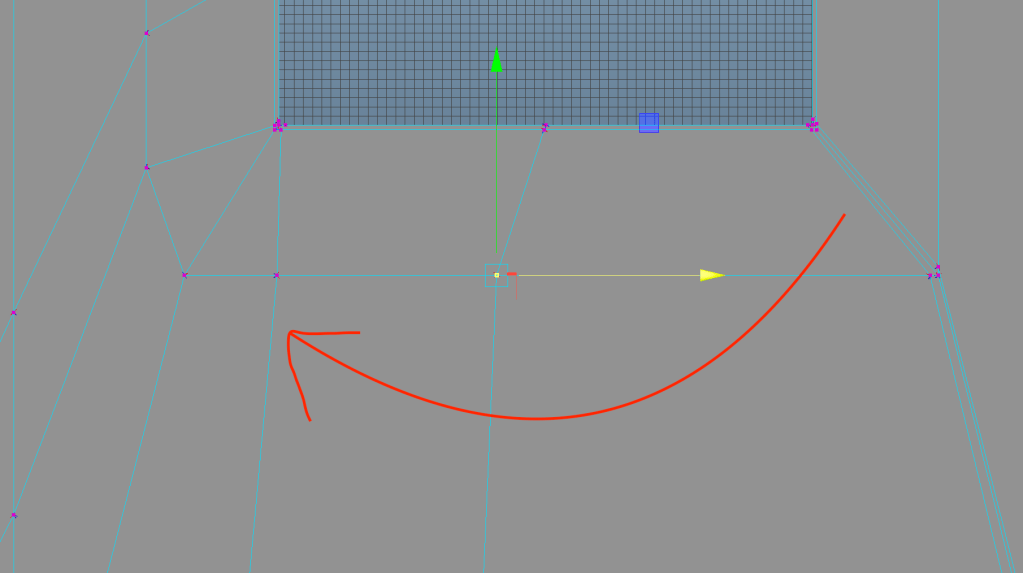

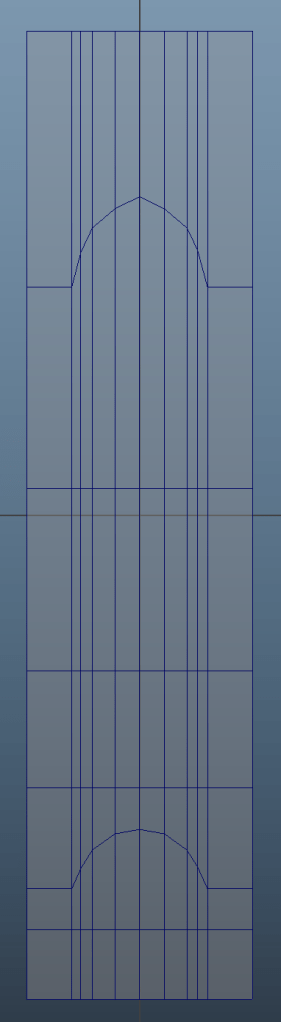
For the side wall I created one planar window and then duplicated it using the mirror tool. After having reached the desired length, I again extruded the mesh to give it 3D dimensions, added edge loops to retain the shape and adjusted the topology using edge slide.
I then mirrored the wall to the other side and connected the walls to the front wall using …. Tool.
In the end I used the bevel tool on the edges of the building to give it the edge loops necessary to retain the shape without using edge loops again.
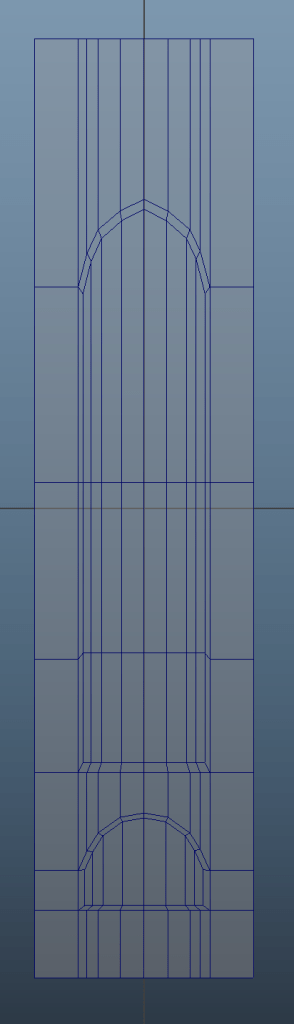
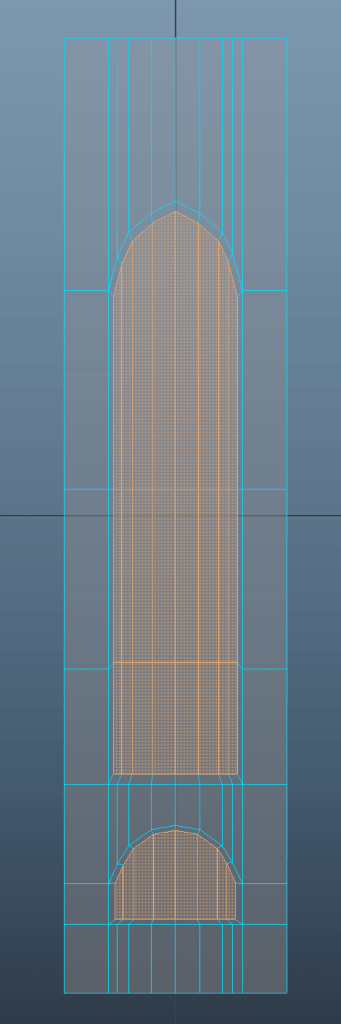
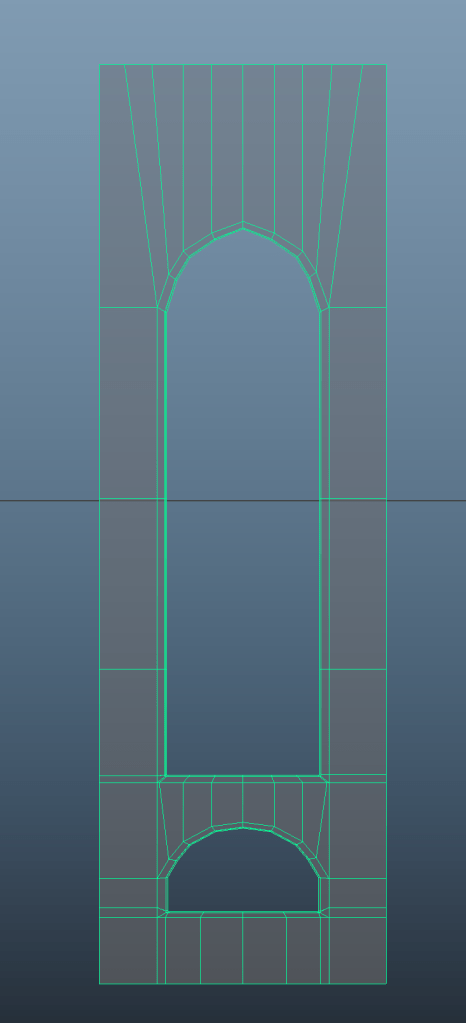
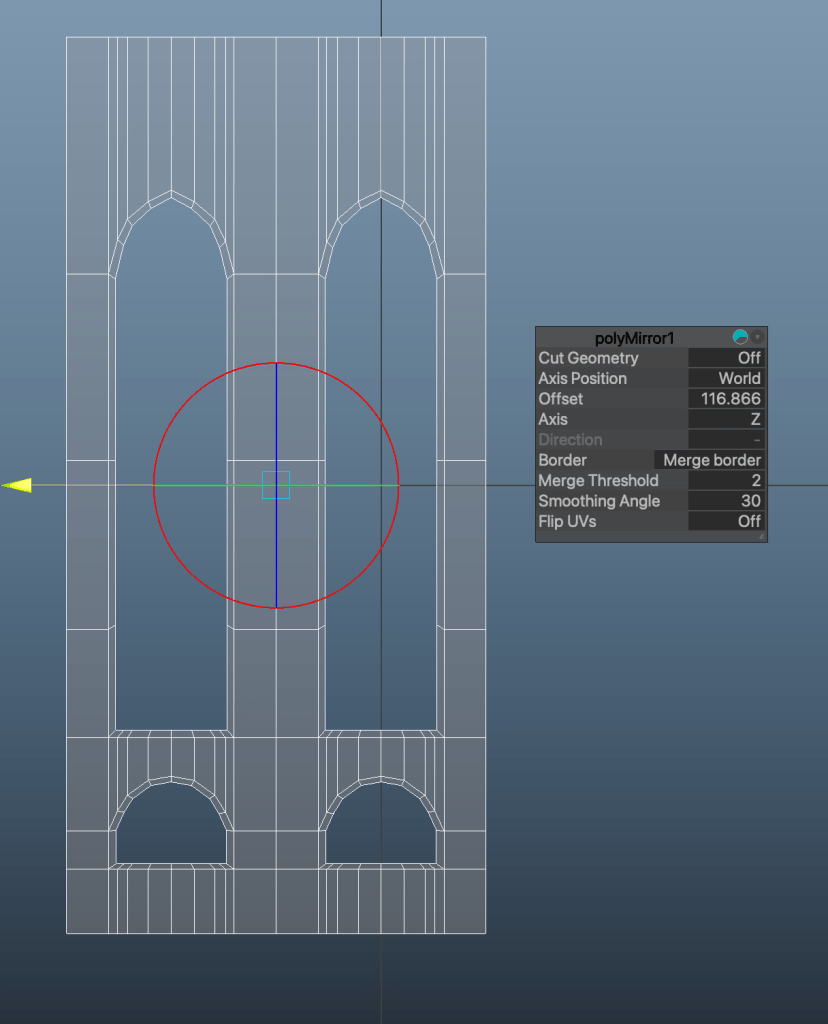
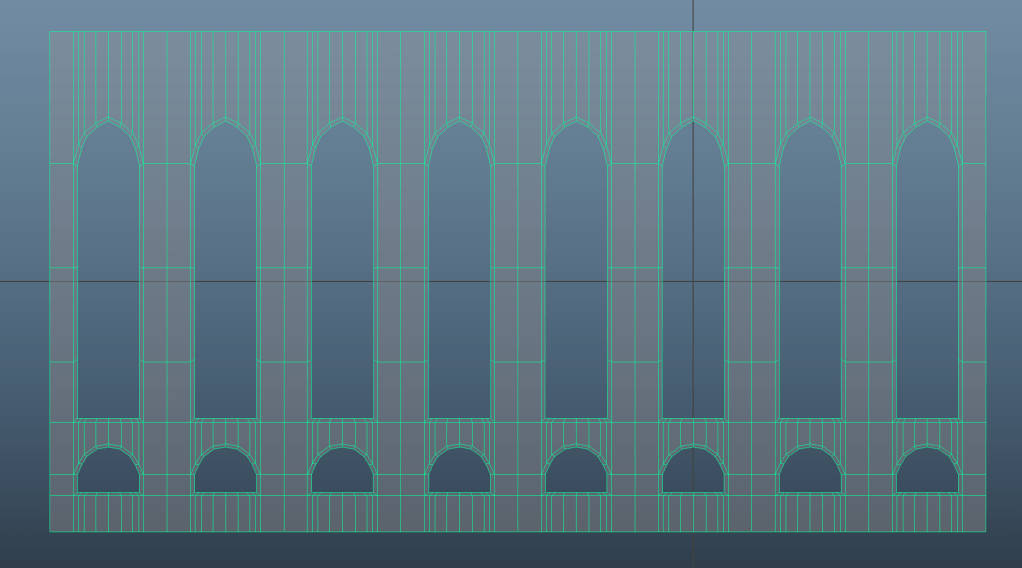
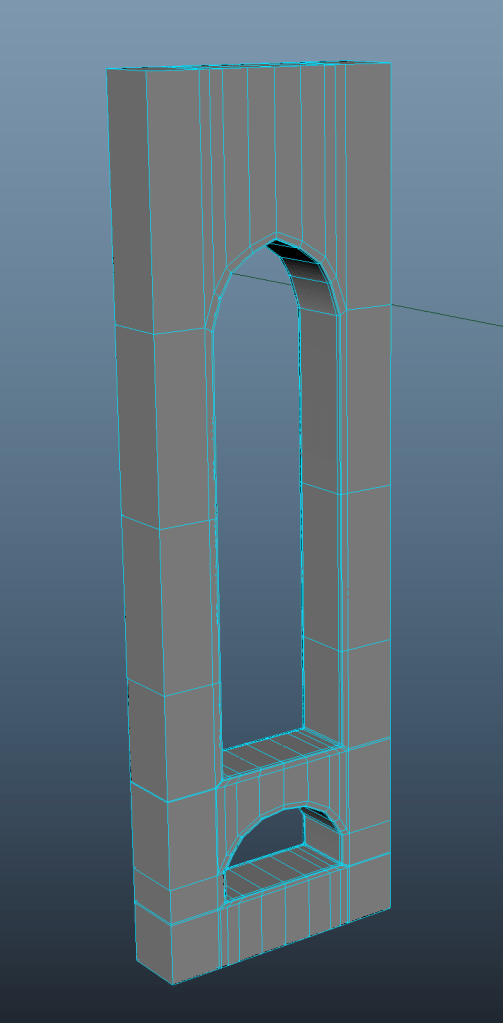
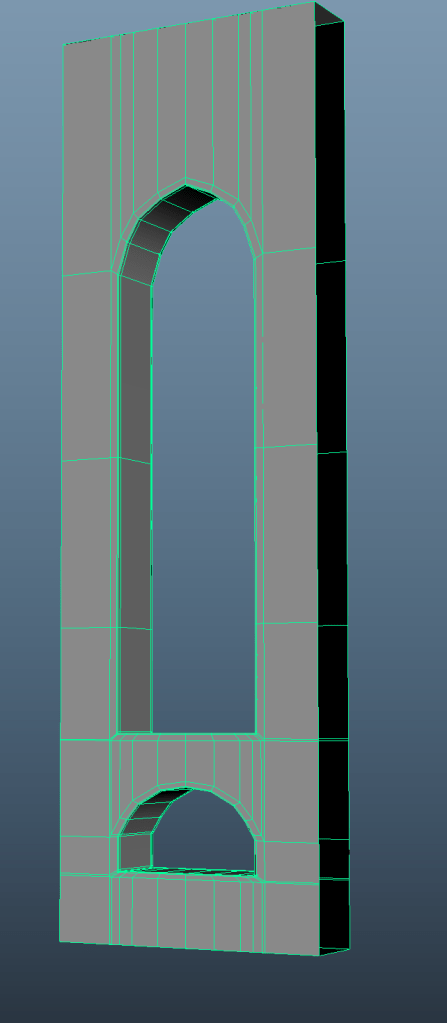
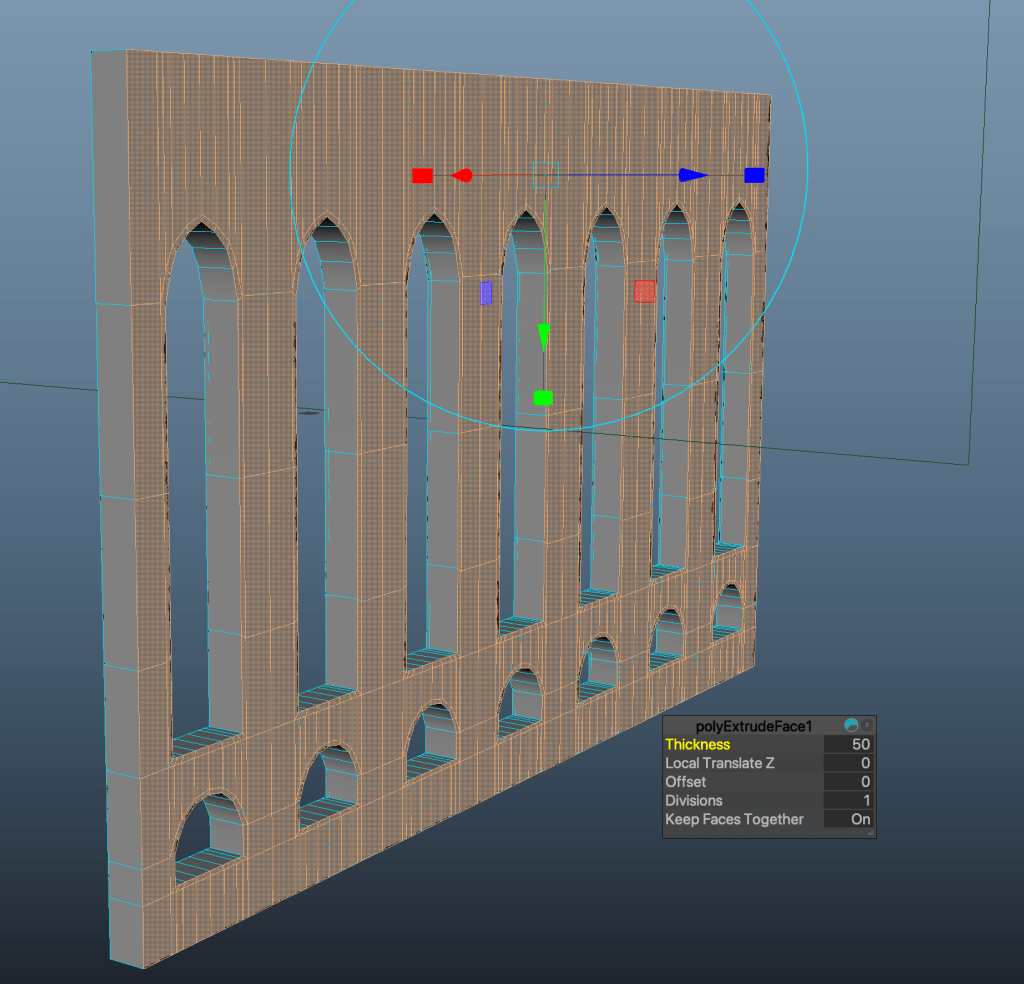
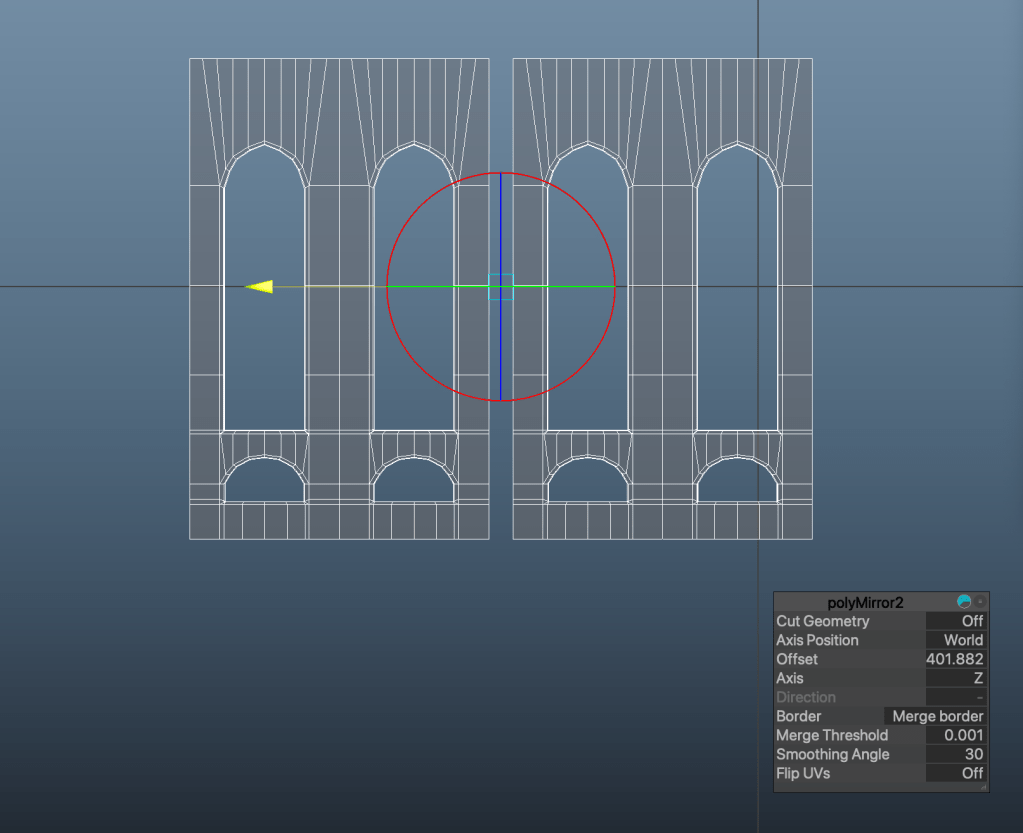
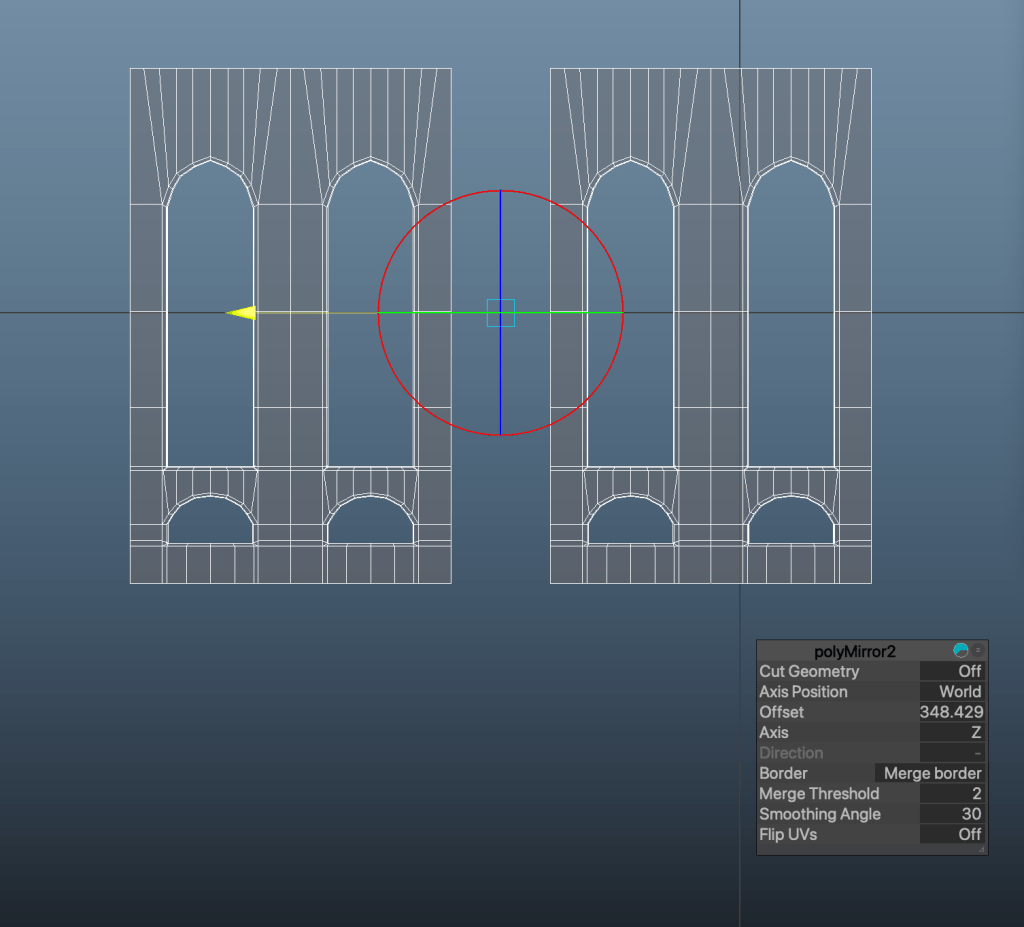
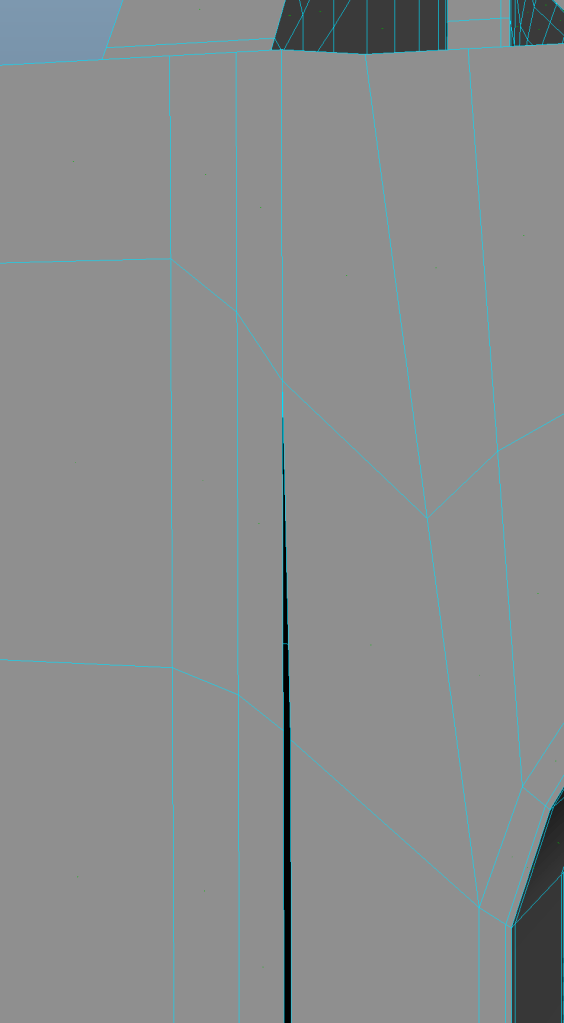
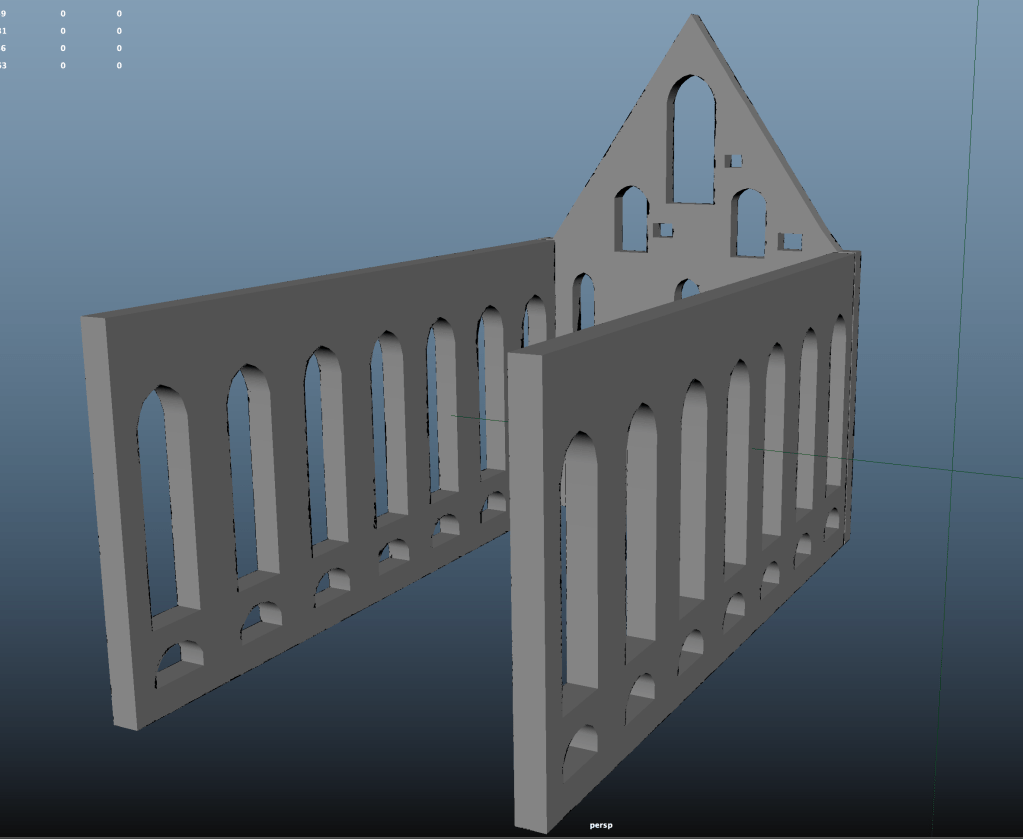
With the front wall I ran into some topology issues because I think I forgot to extrude some of the windows initially. Not completely sure, but when I started the side wall, I think I understood how I could have done the front wall better and easier. This is a note for myself for next time!
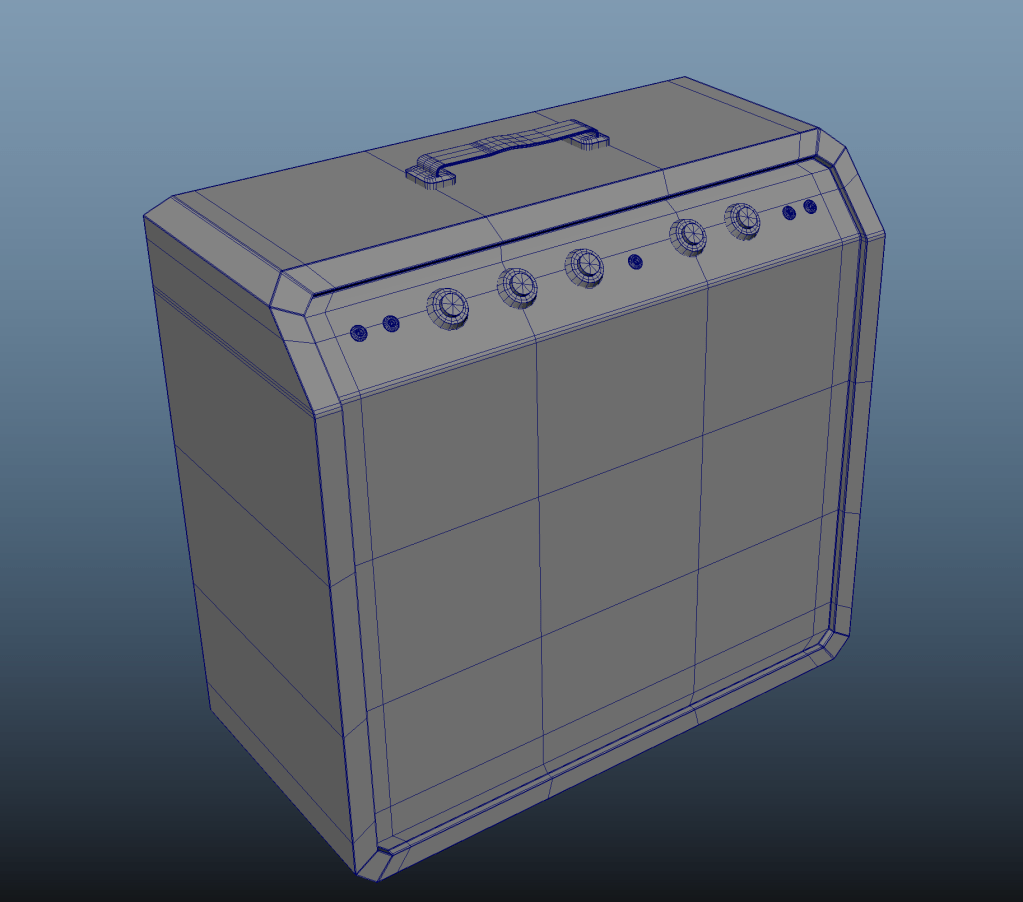
The amplifier started as a cube. Here’s a photo sequence to show the progress:

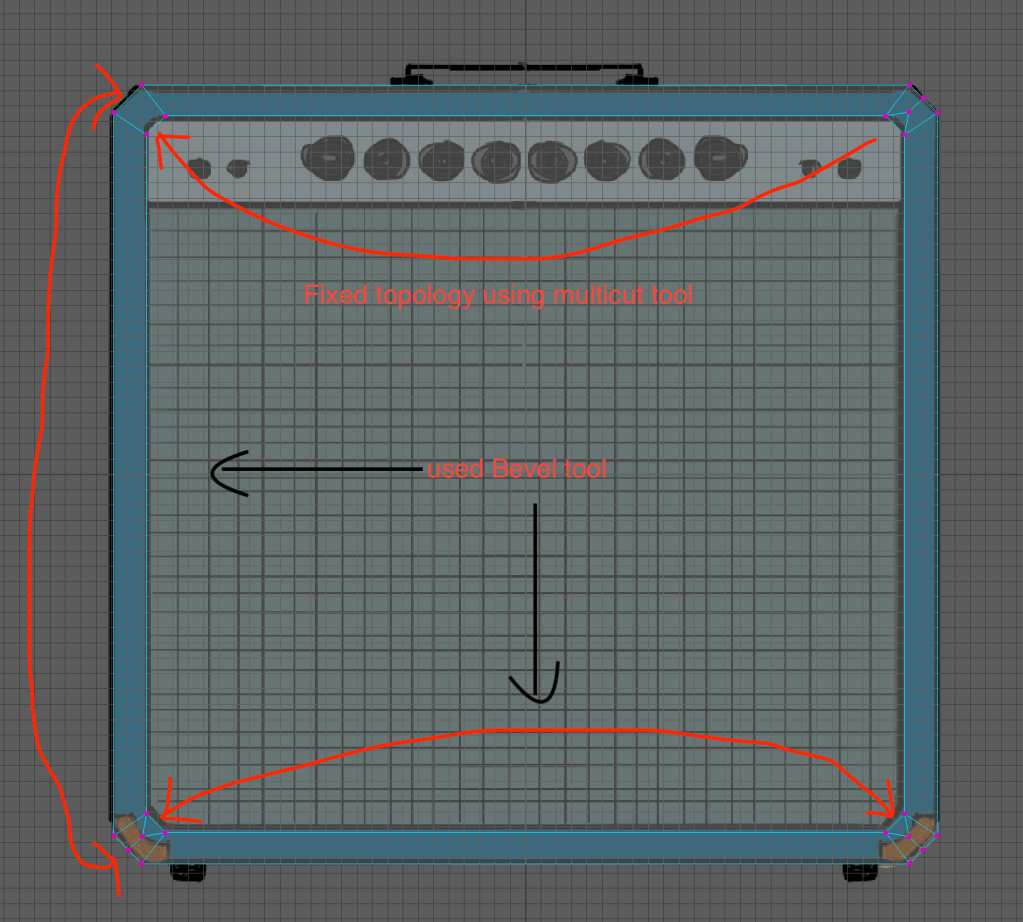
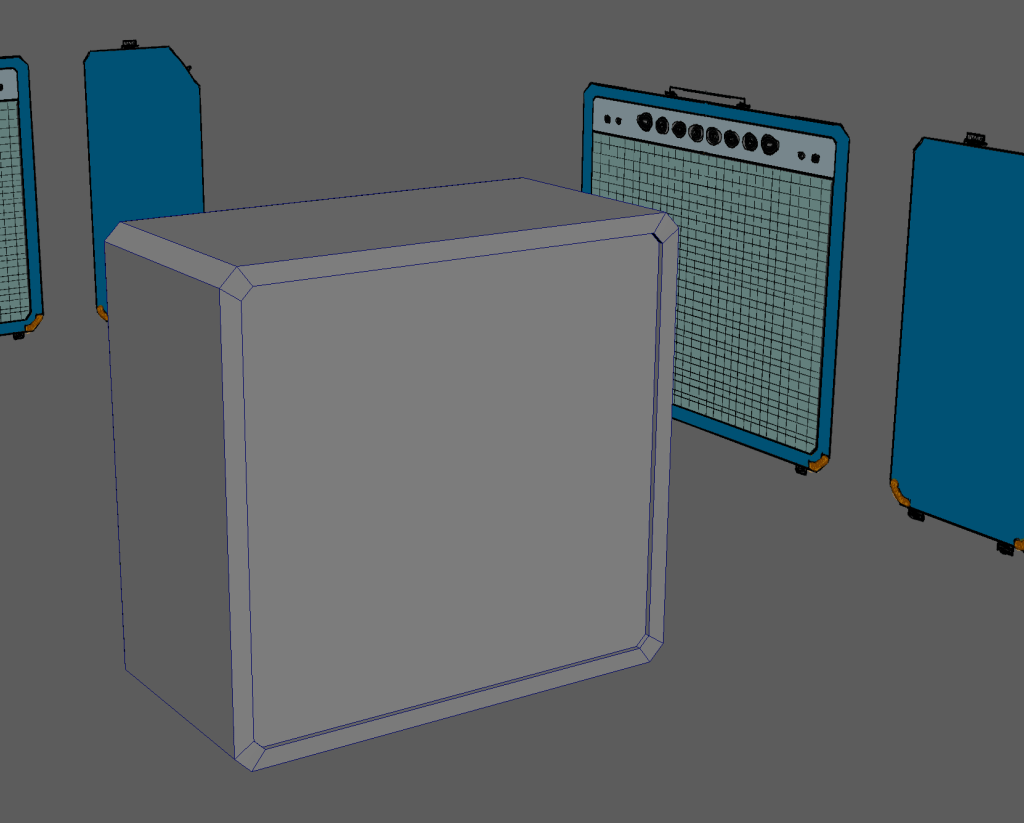

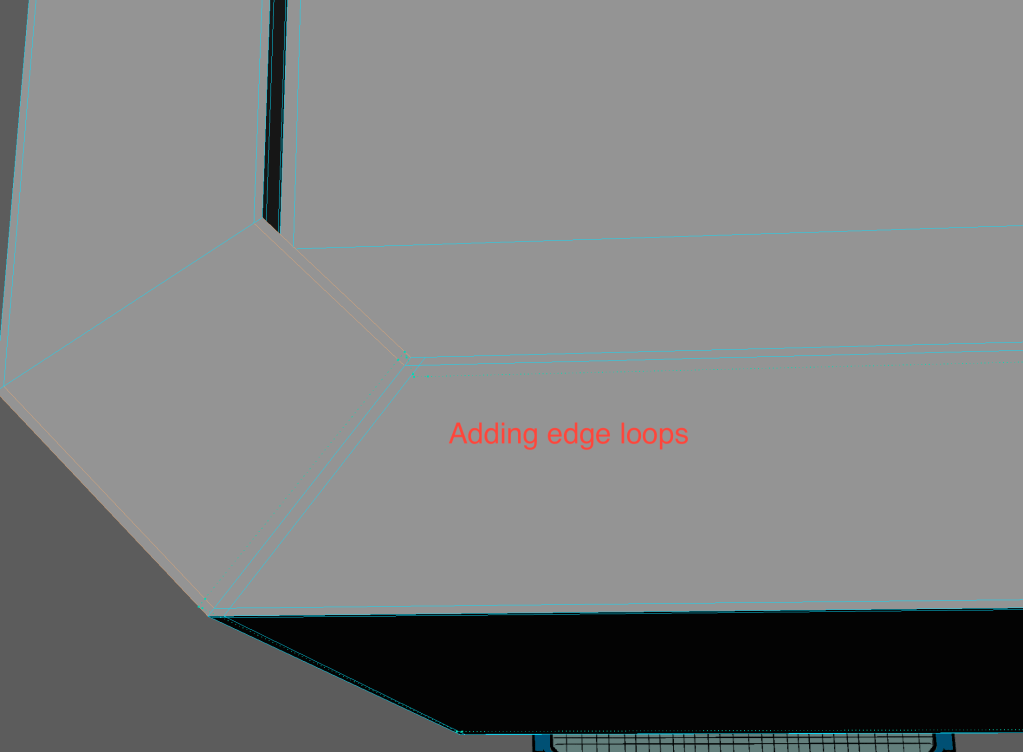

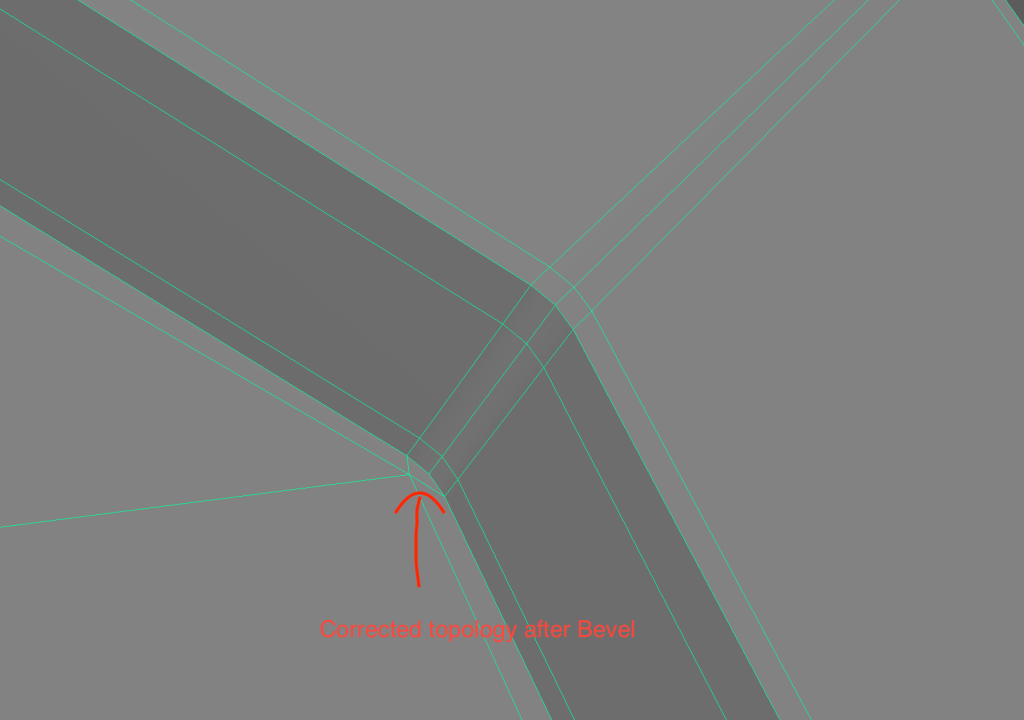


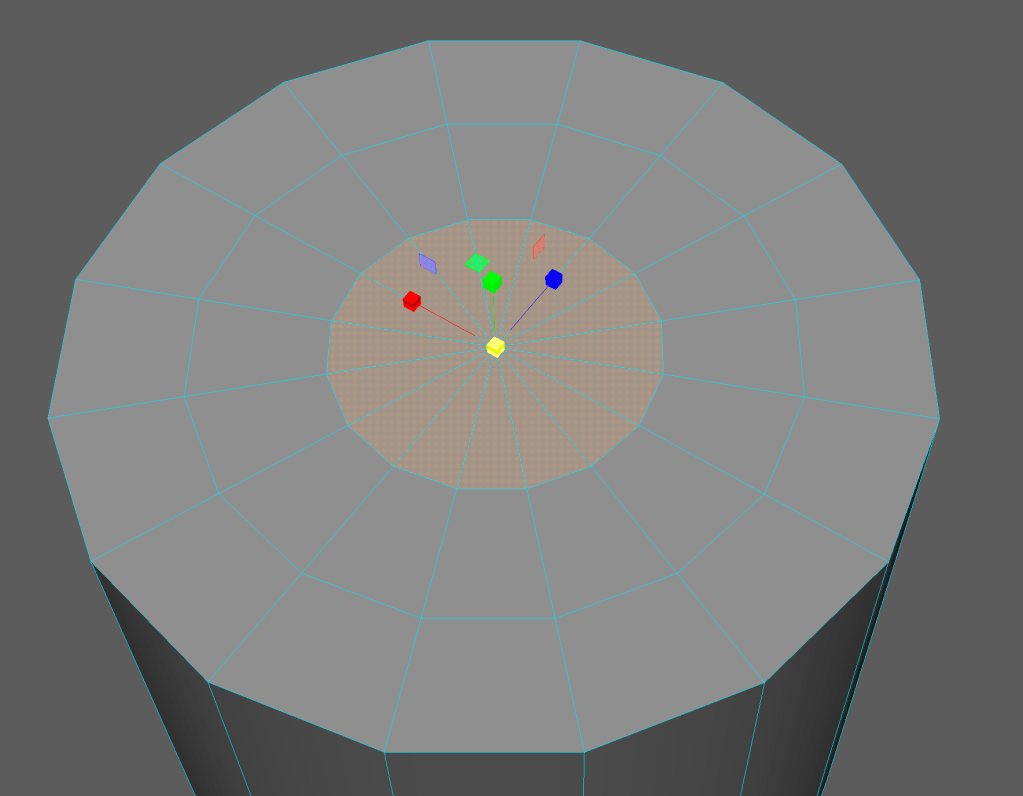
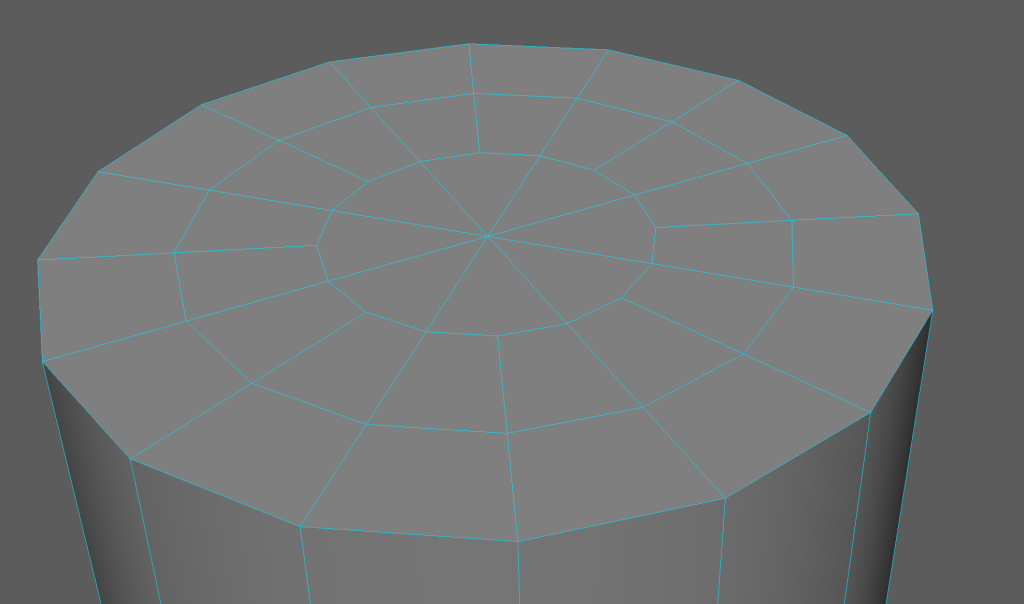
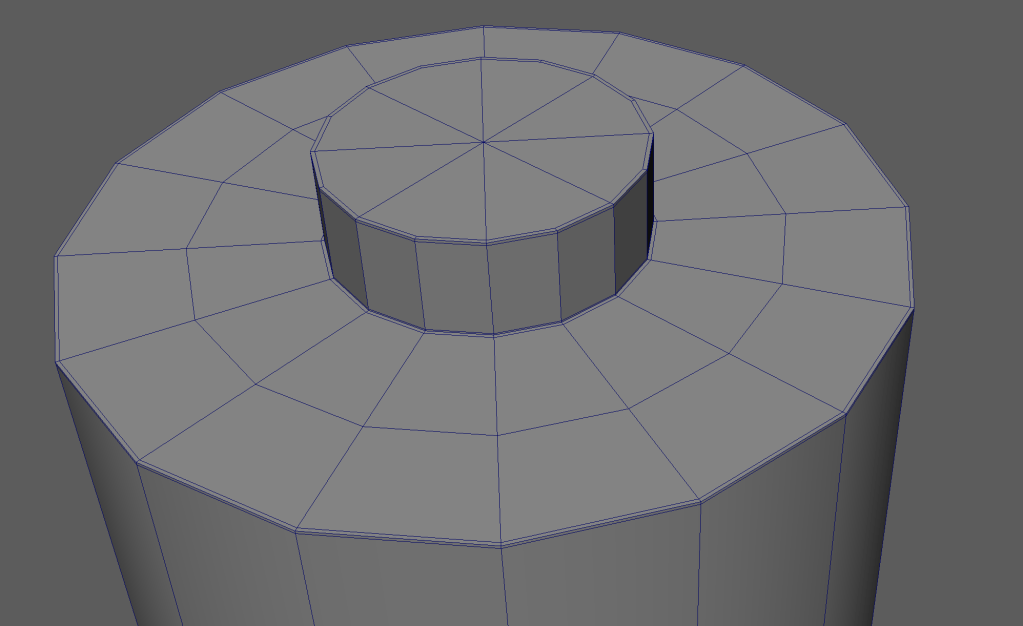
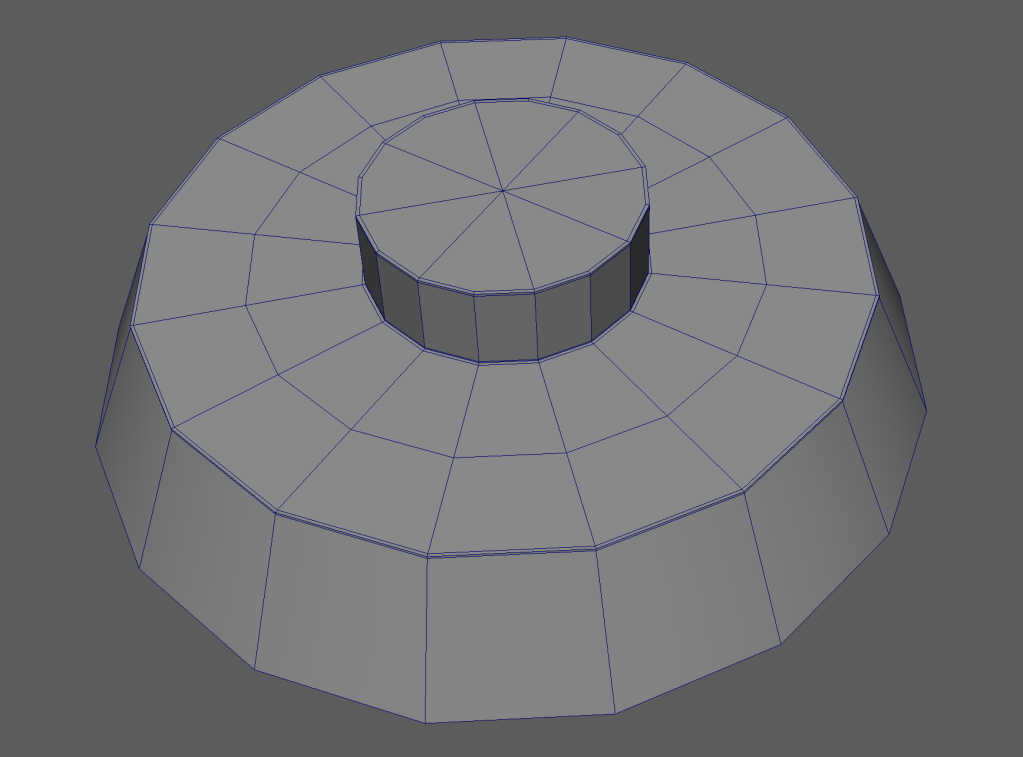
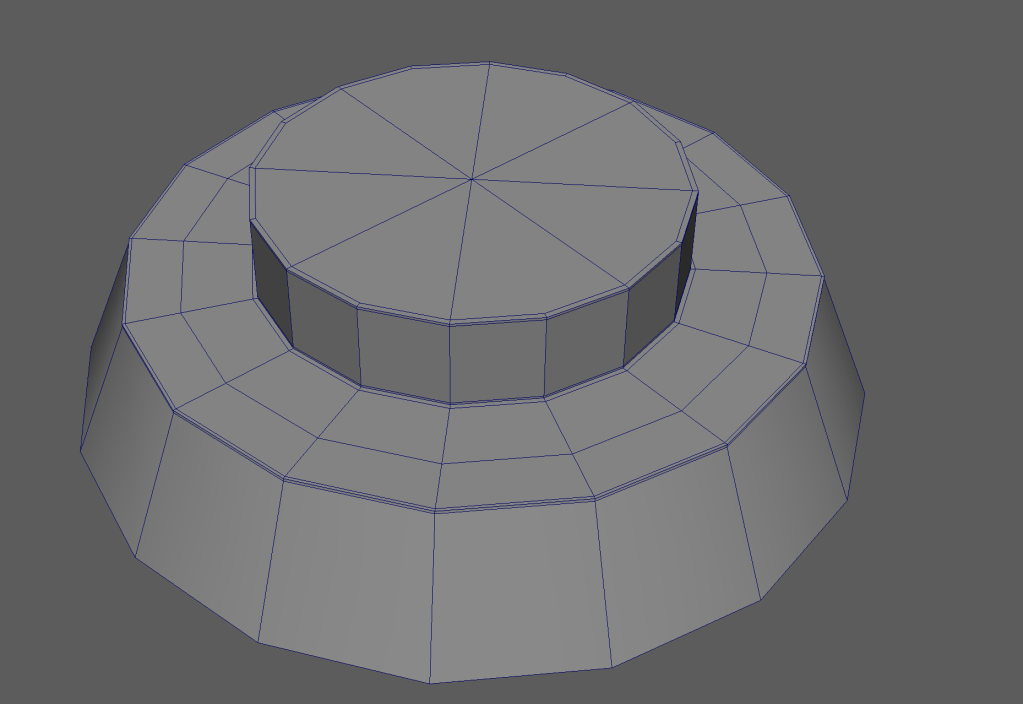
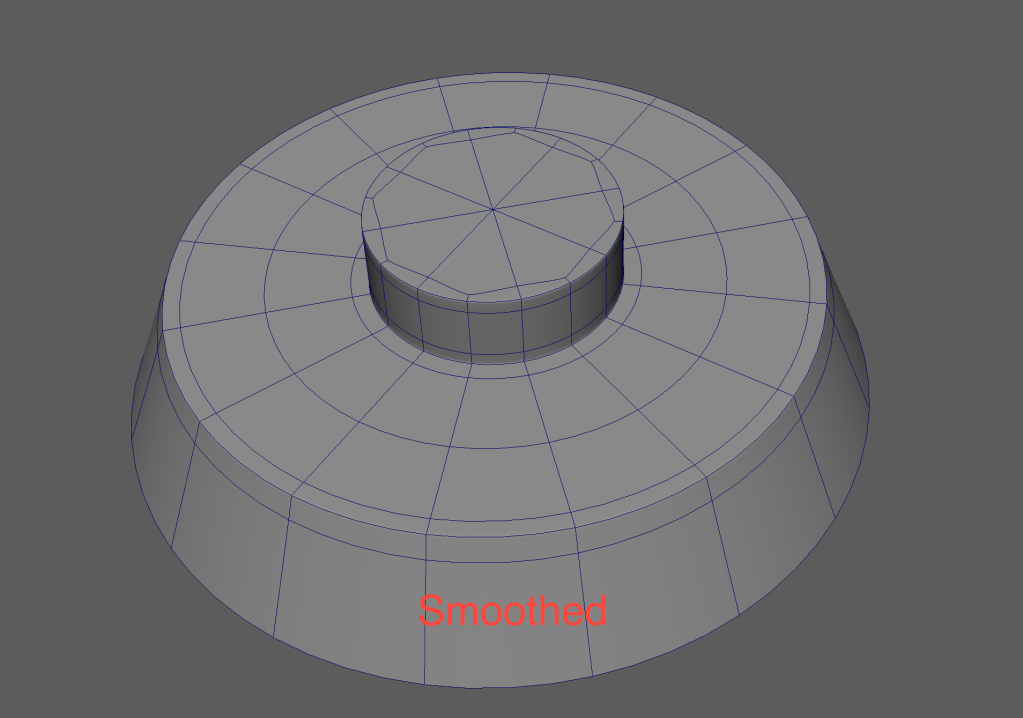
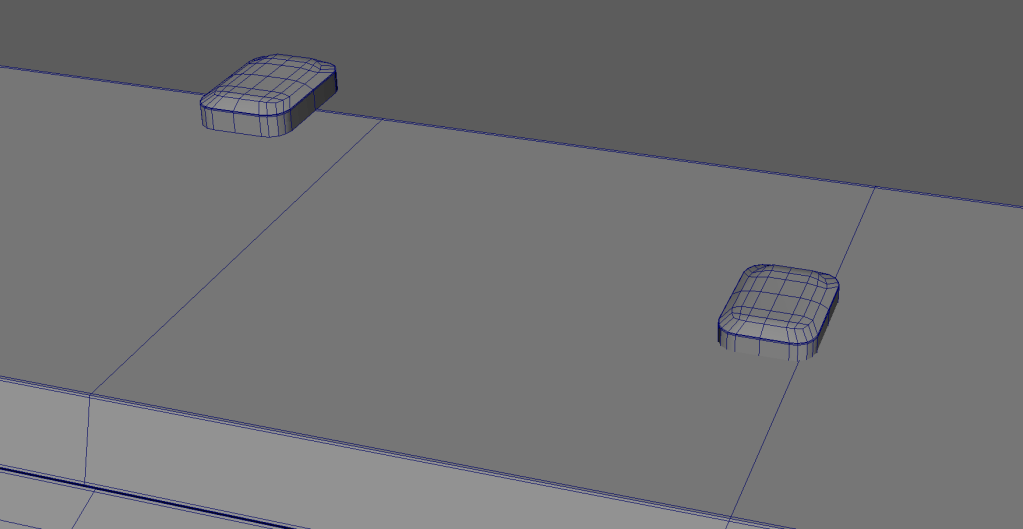

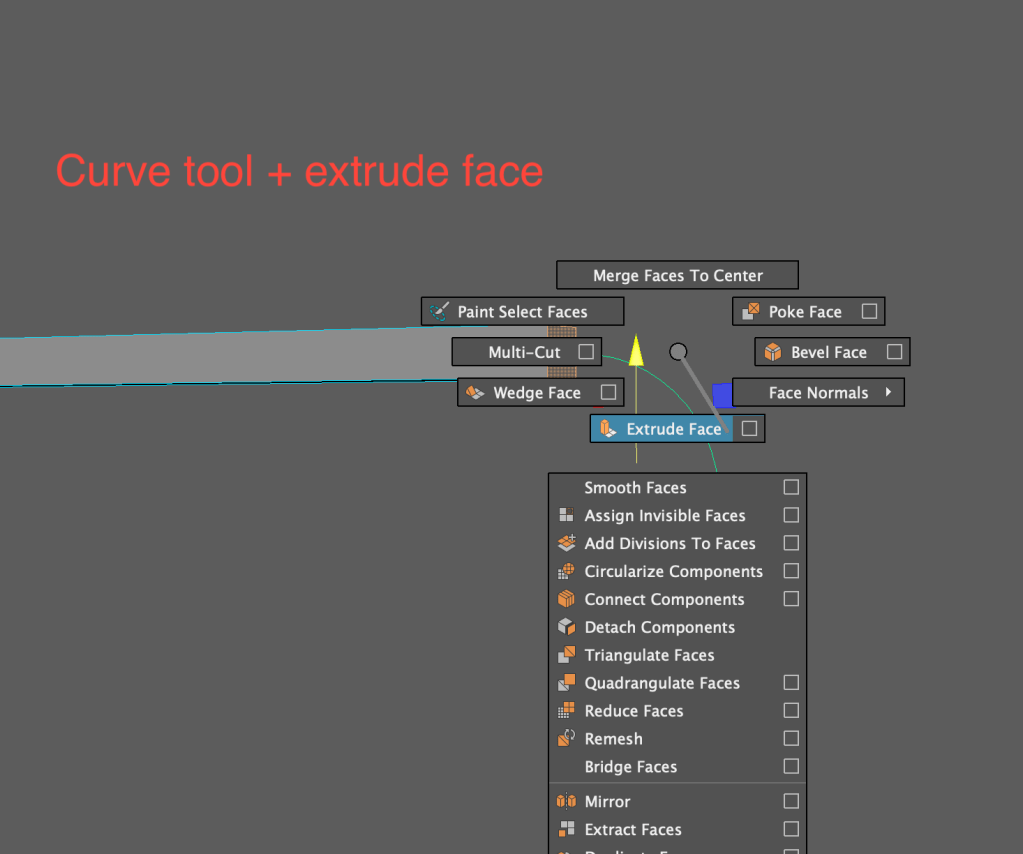
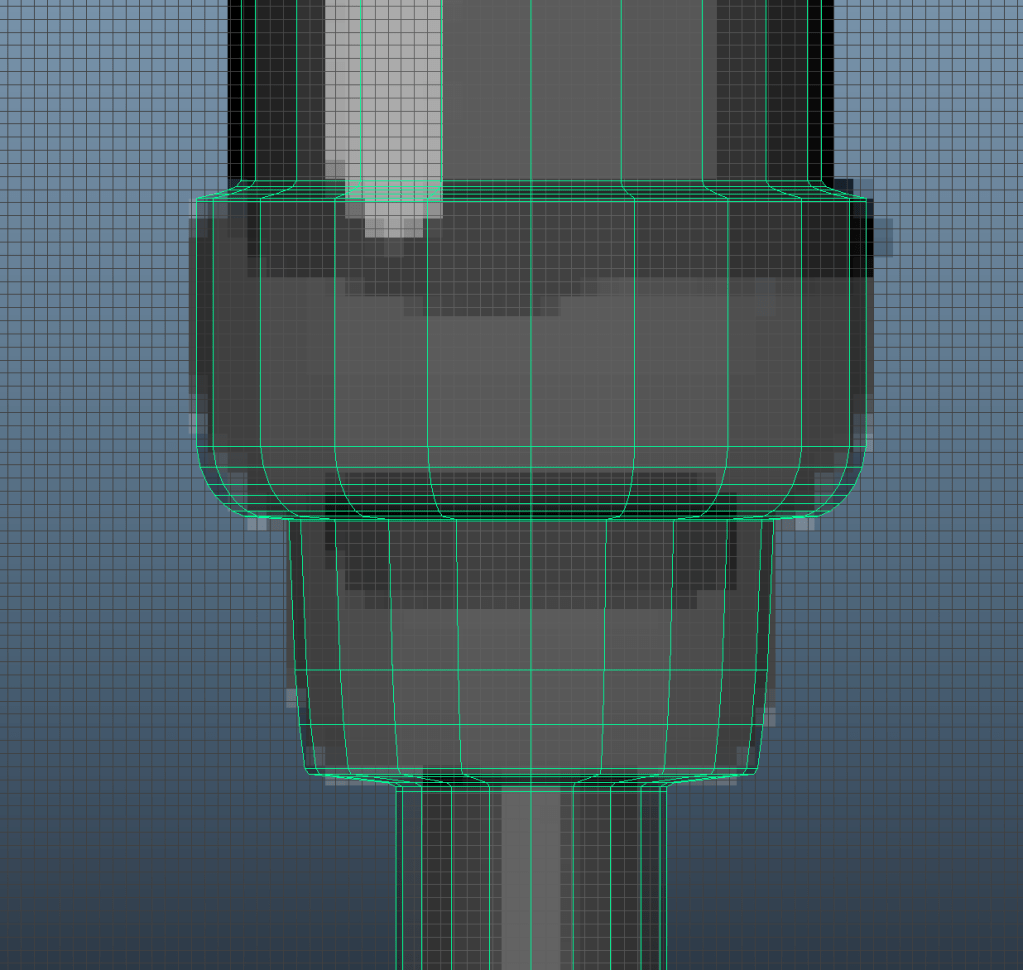
The microphone was the hardest to do. I did the leg using a cylinder, adding edgeloops and scaling and extruding parts to give the desired shape. Added extra edgeloops for the shape to retain when smoothed.
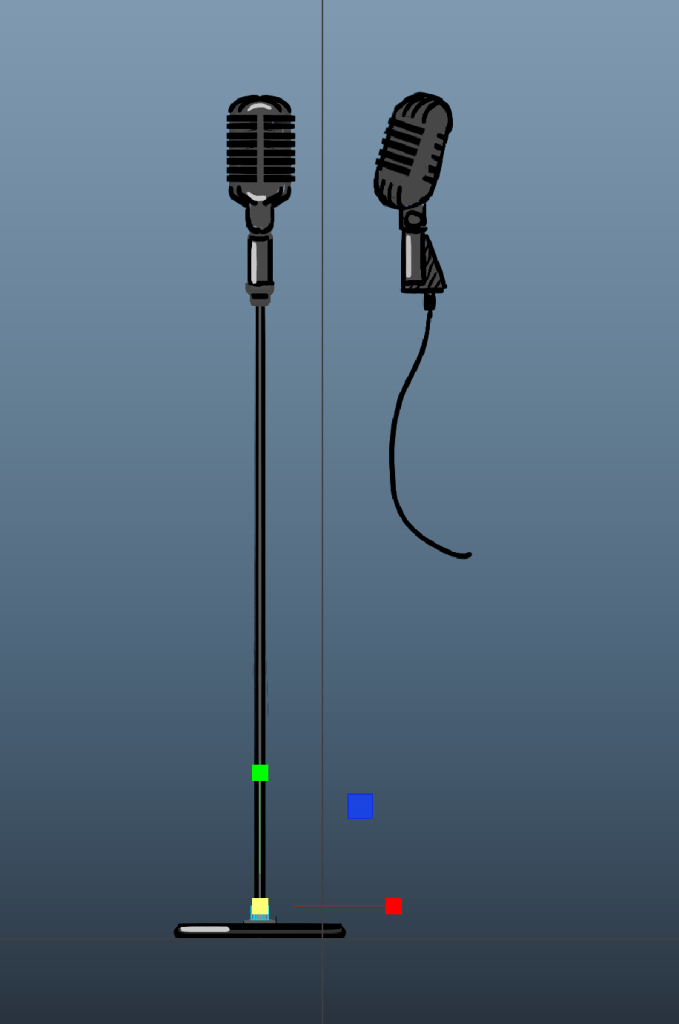
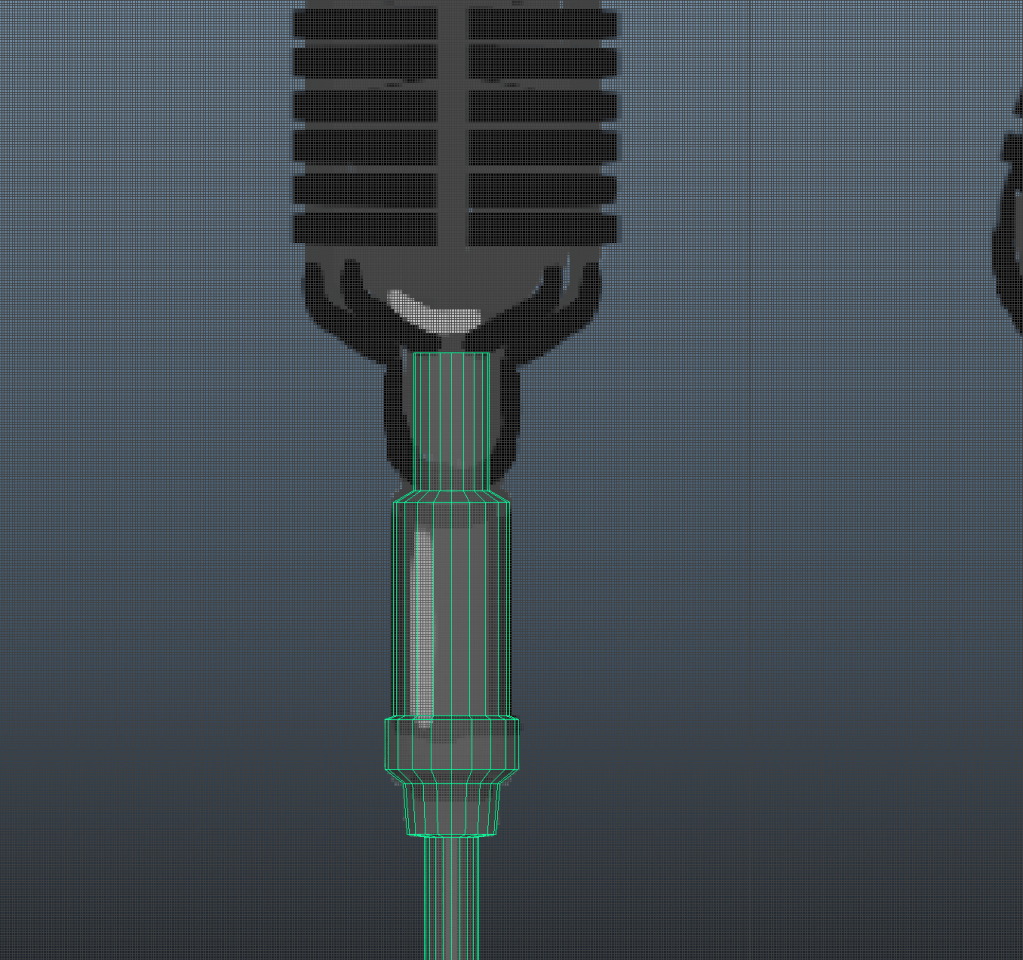
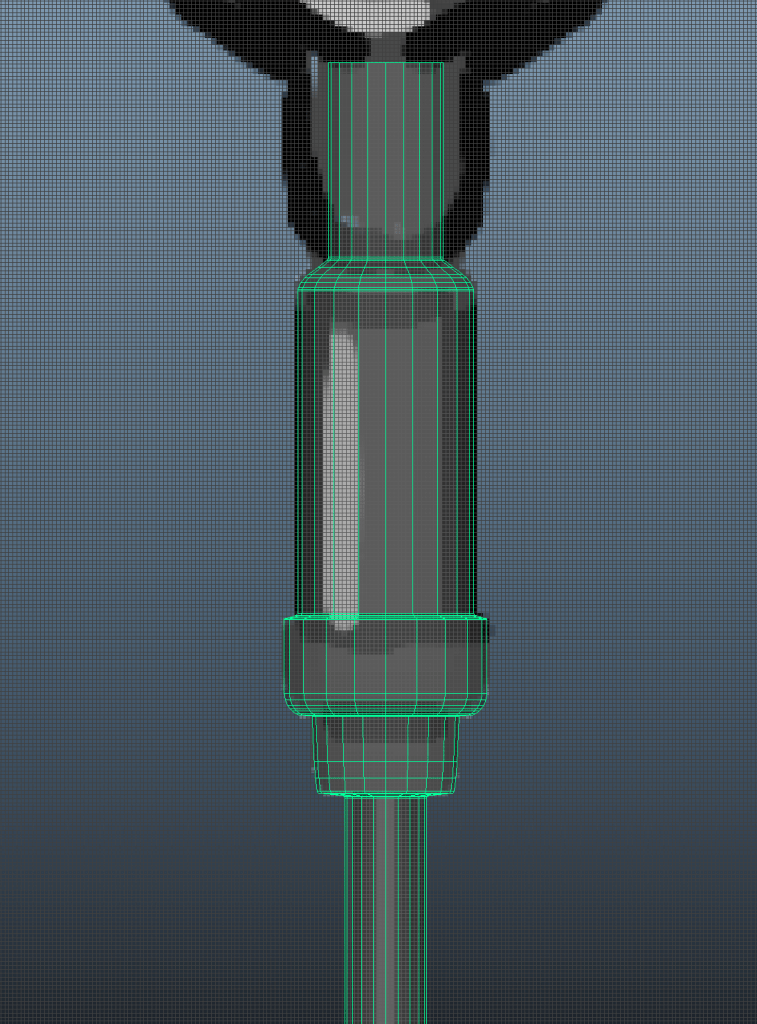
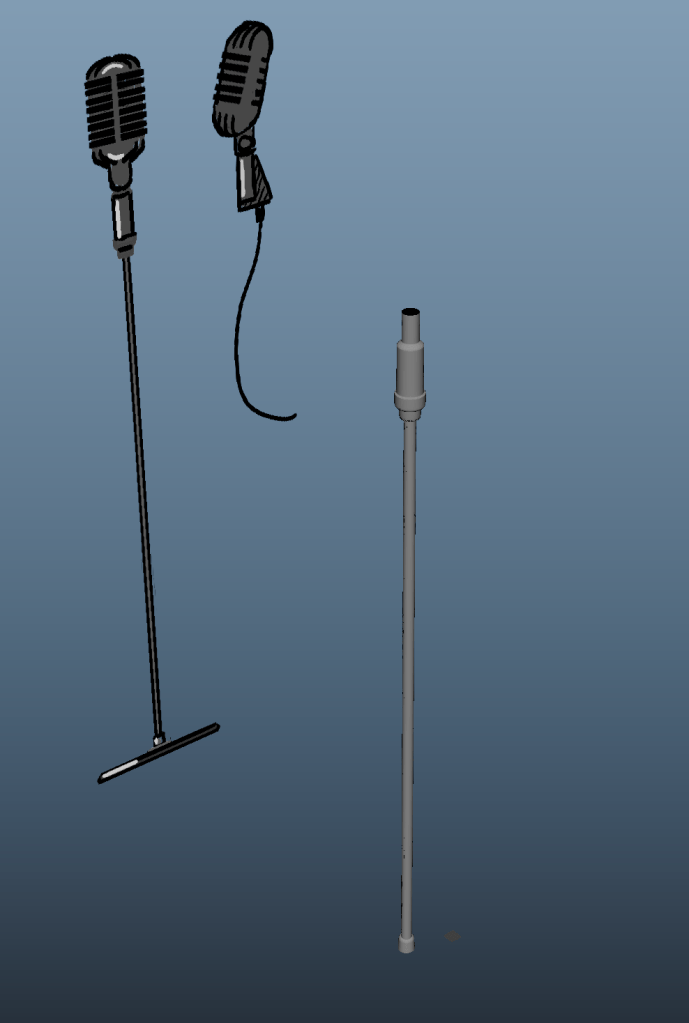
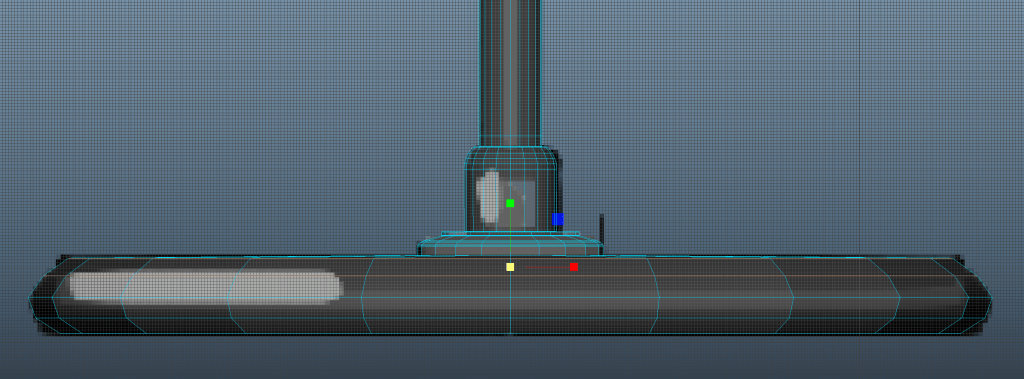
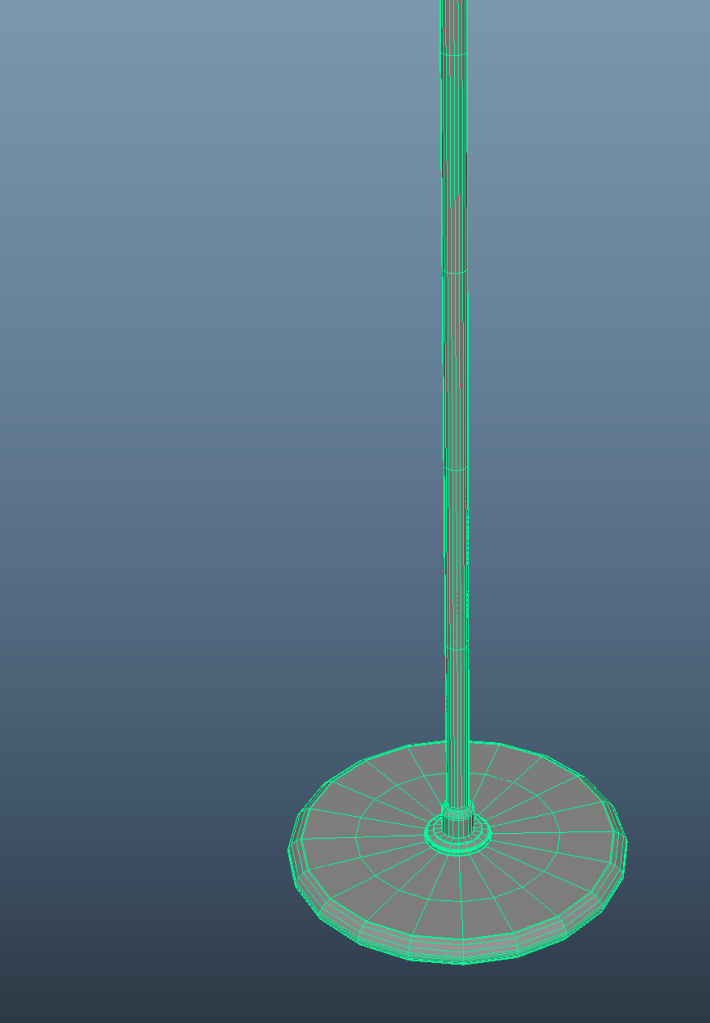
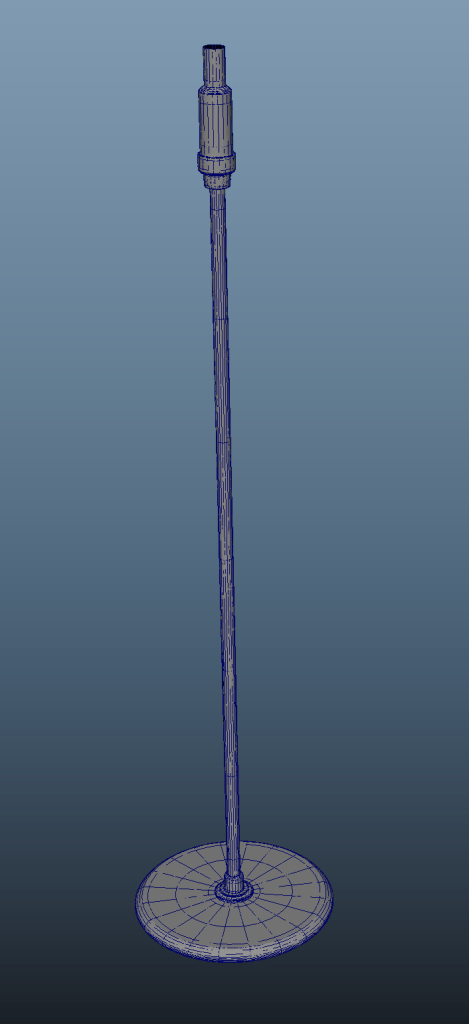
The mic head I tried to do twice. I did the mic before I realised that there is a video tutorial on Moodle so it is not great in any way but I had no time to redo it. For later practice I will redo it using that tutorial.
The first time I did the initial shape and then extruded inside some faces for the speaker parts but it did not look good and adding in the edge loops for the holes to retain their shape messed up the shading completely.
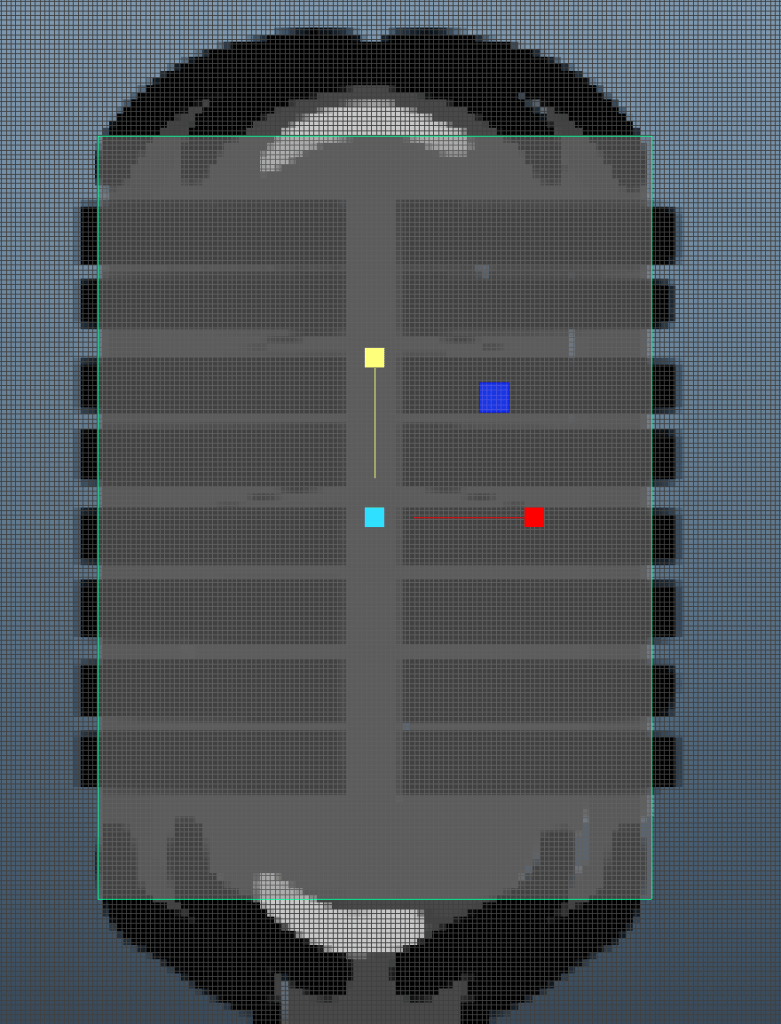
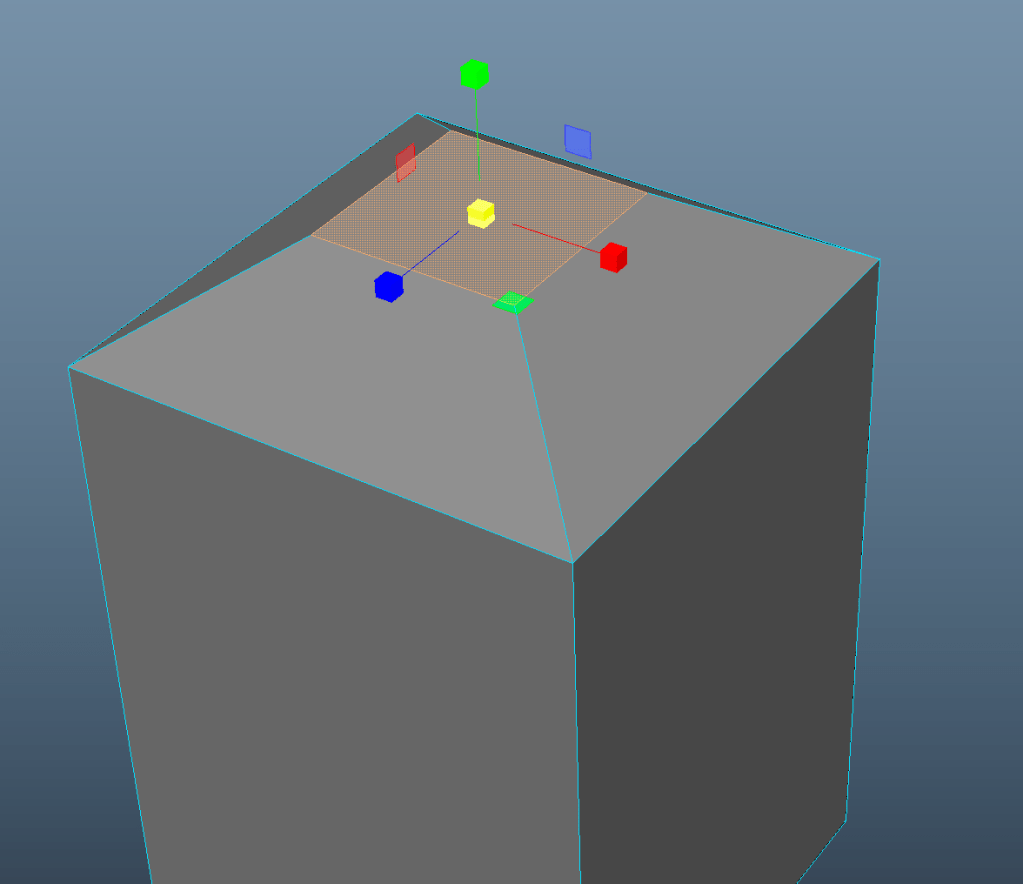
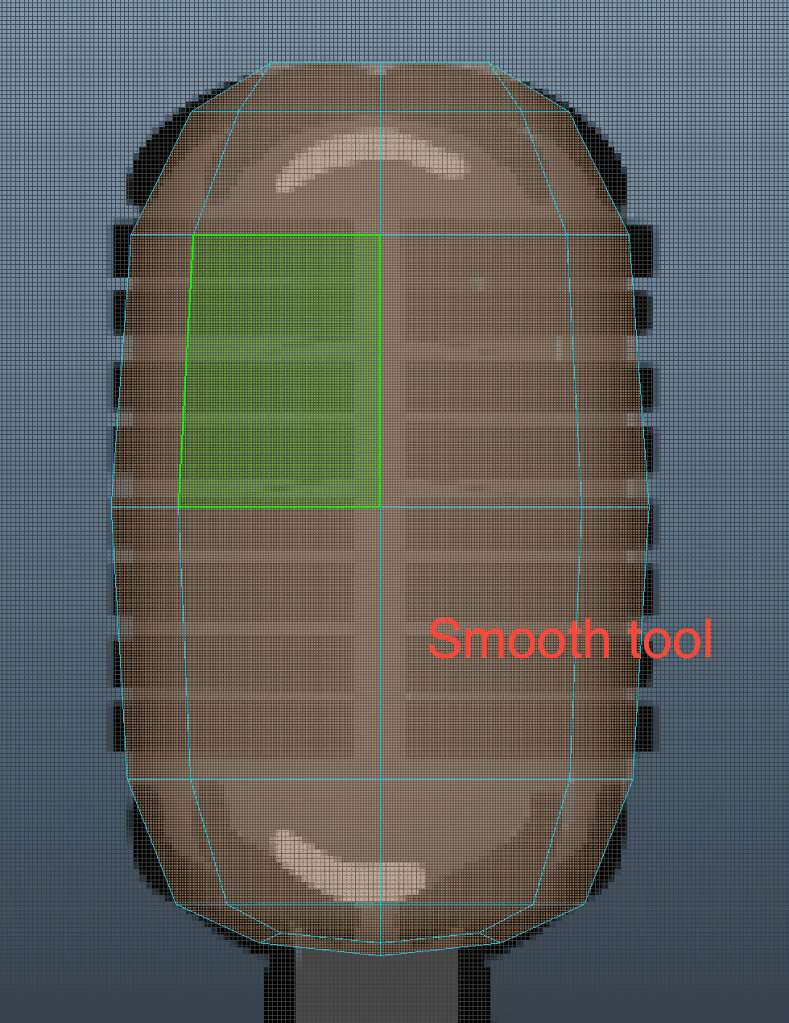
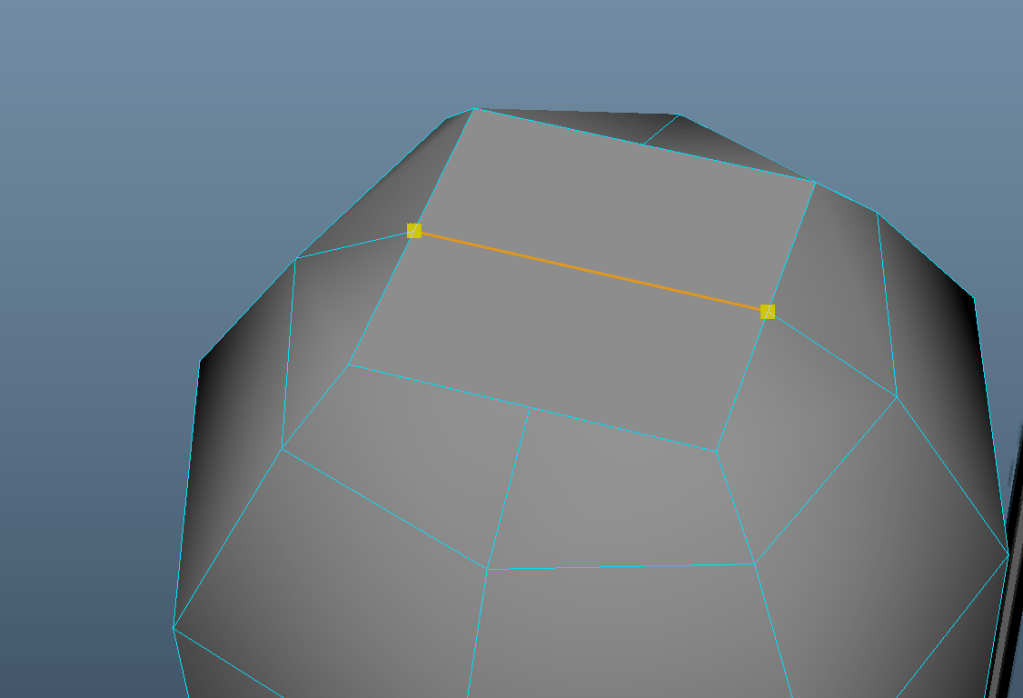
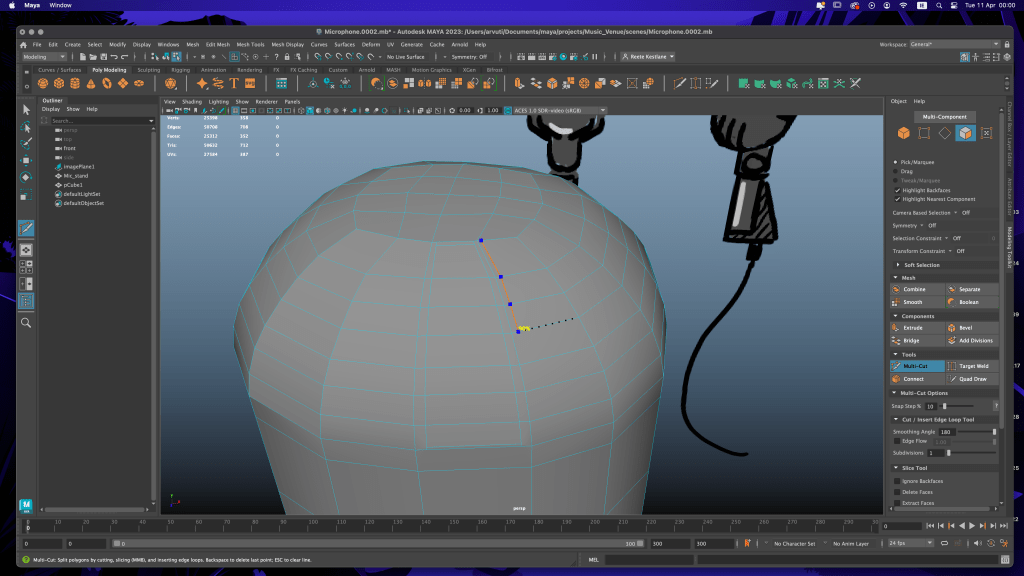
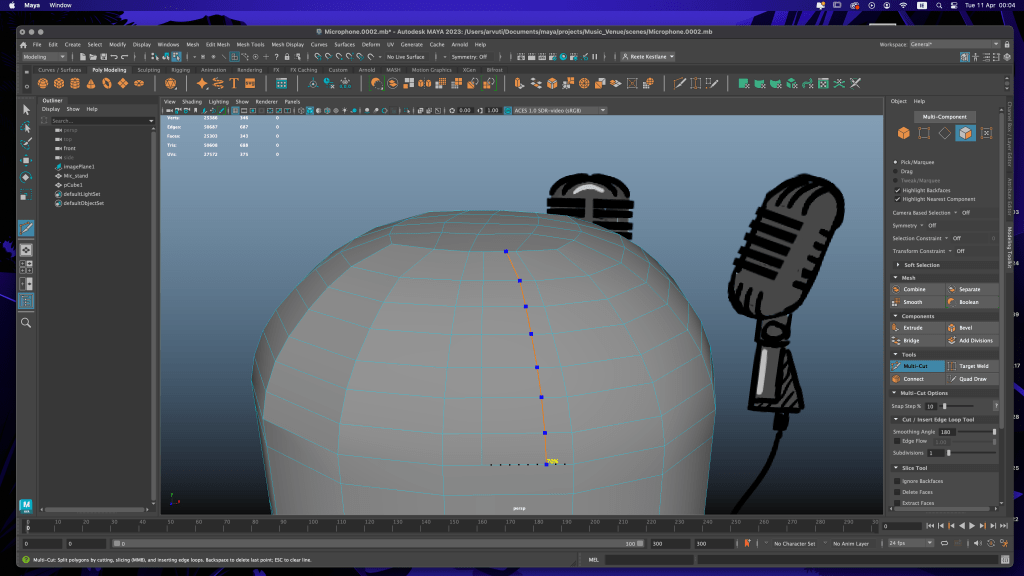

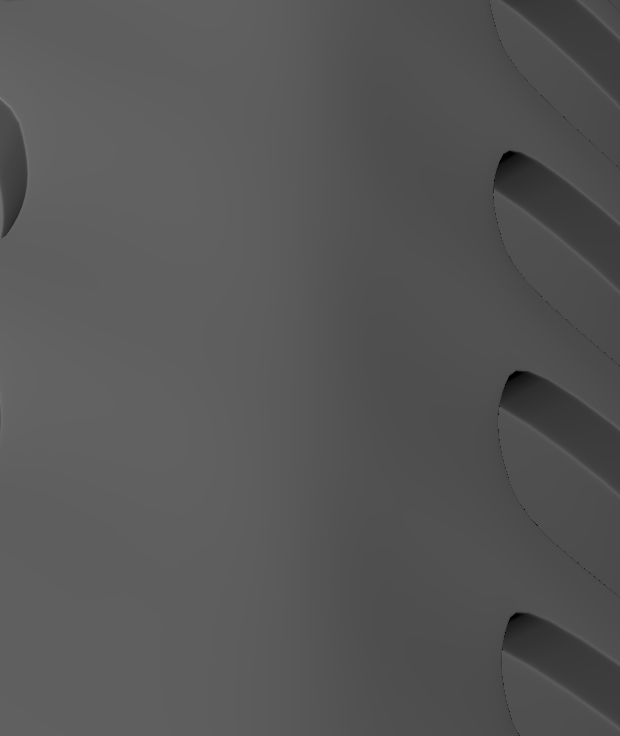
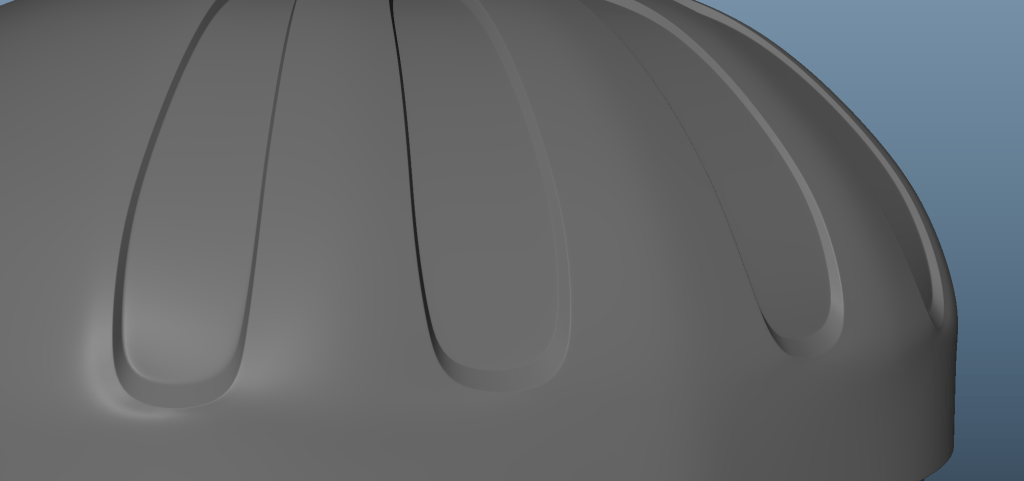
So the second time I made a cube, extruded the holes into it and then shaped it. I did half, mirrored the other half on the x-axis and then deleted half and mirrored on the y-axis. It still has some shading issues but less.
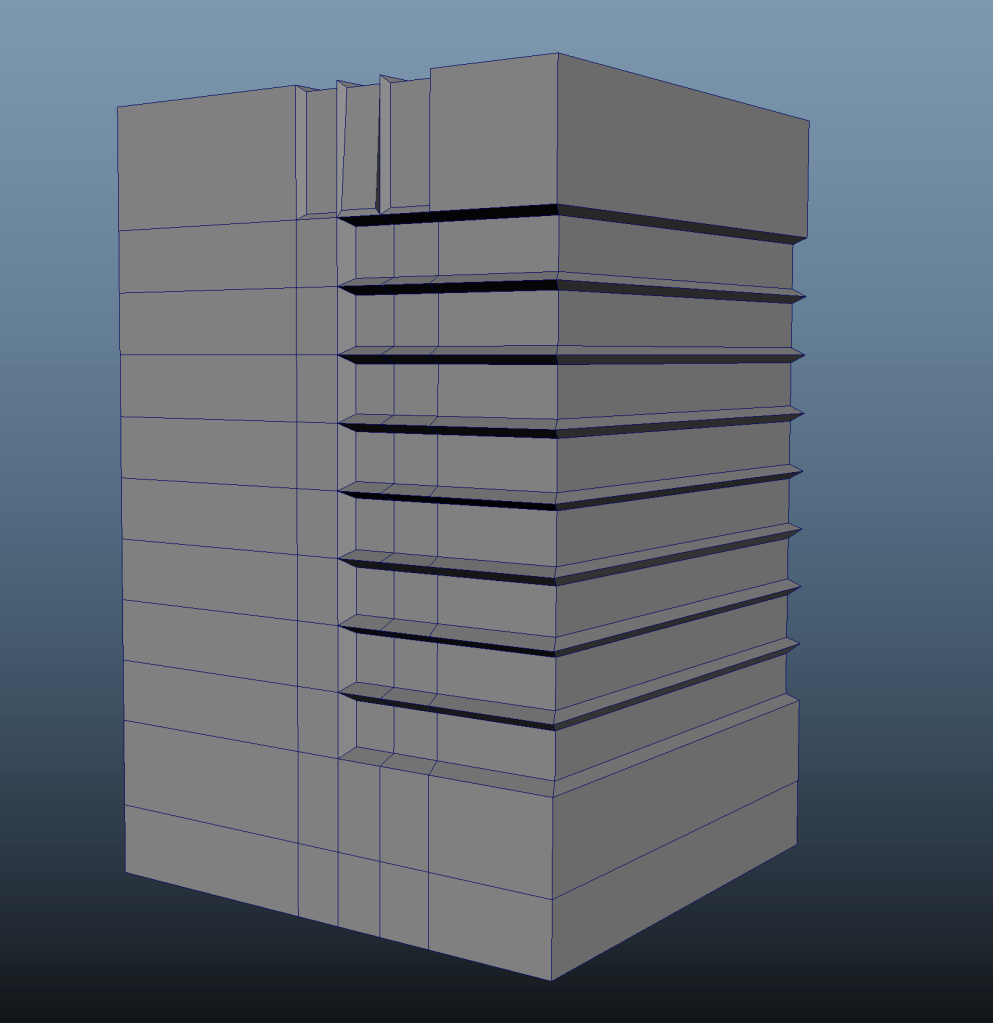
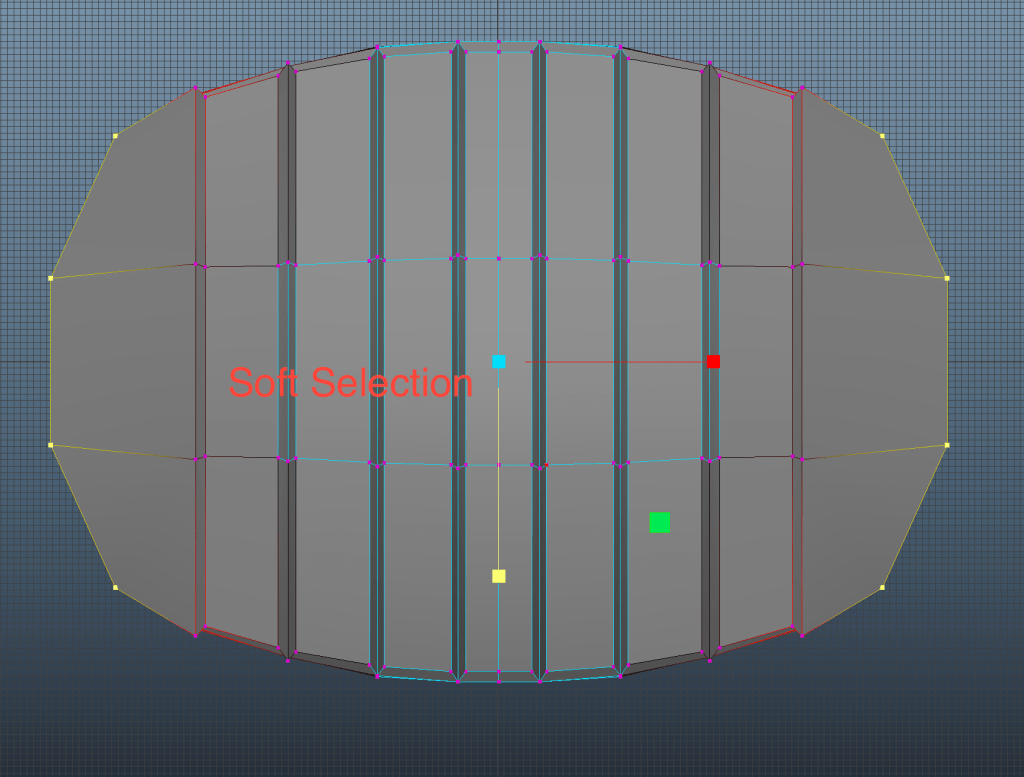
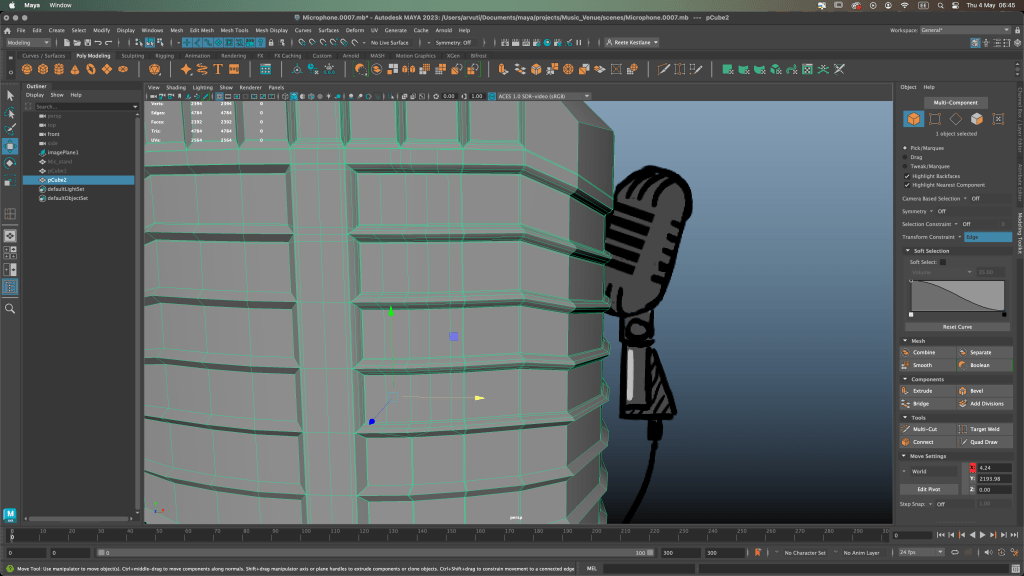
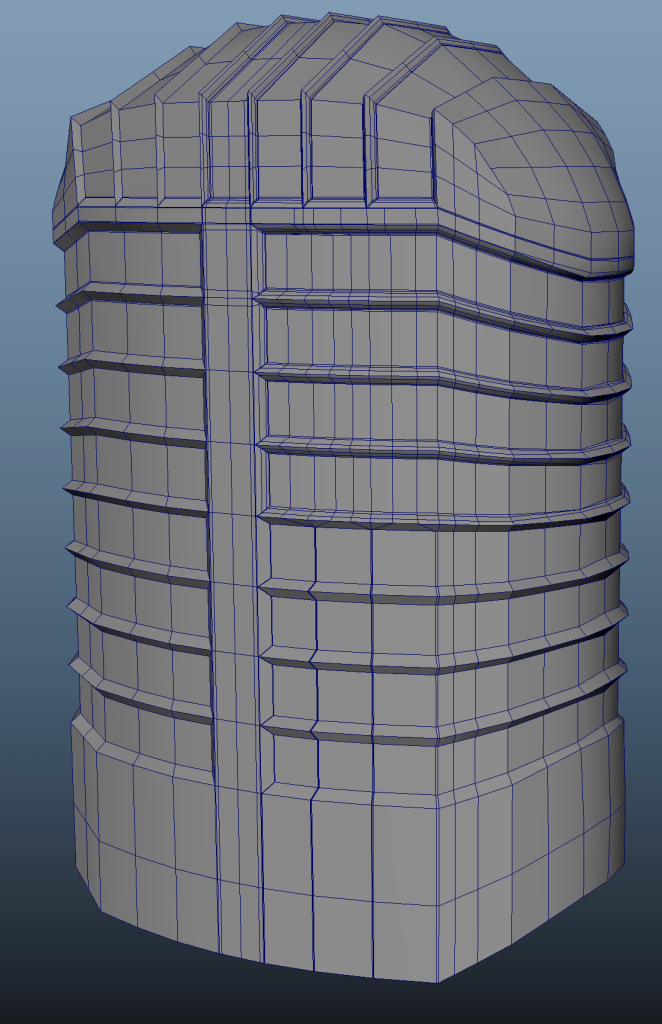
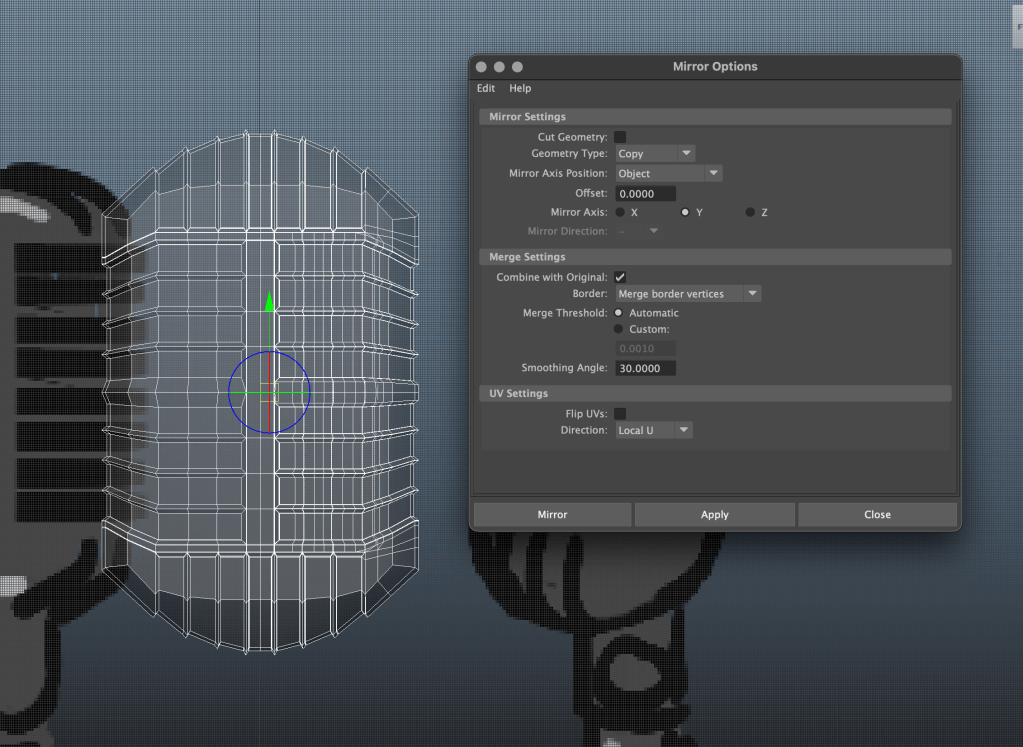
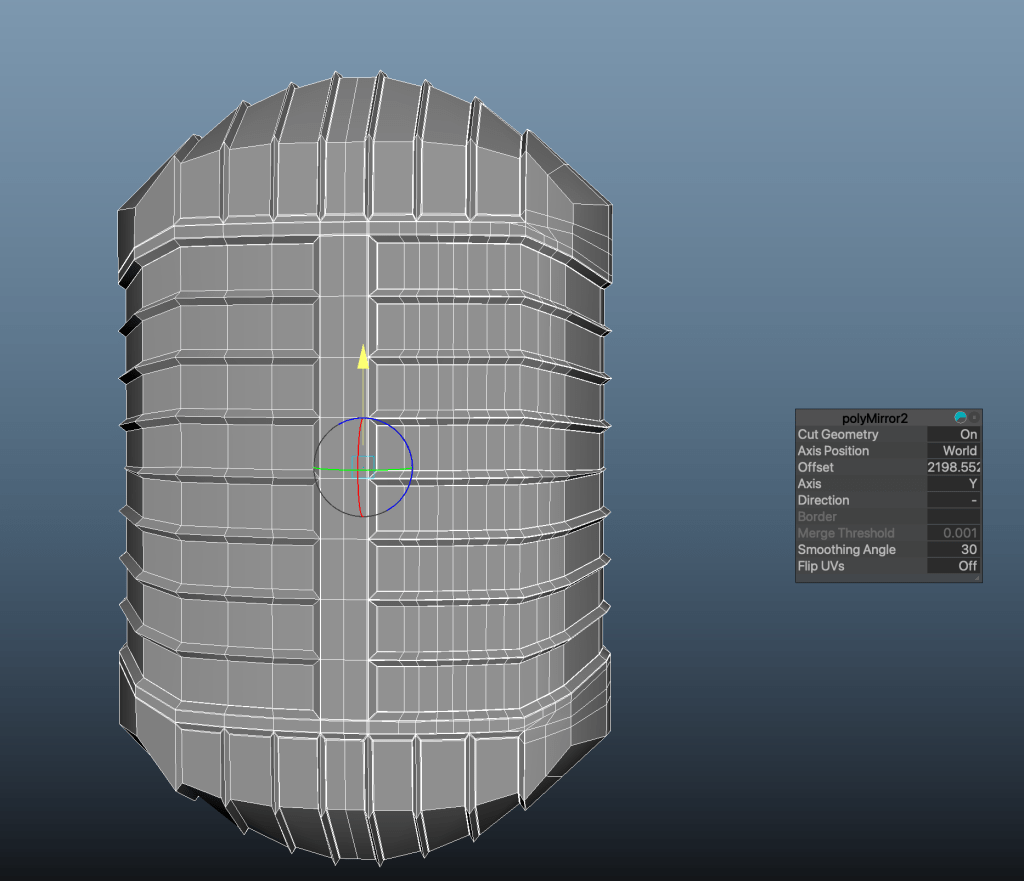
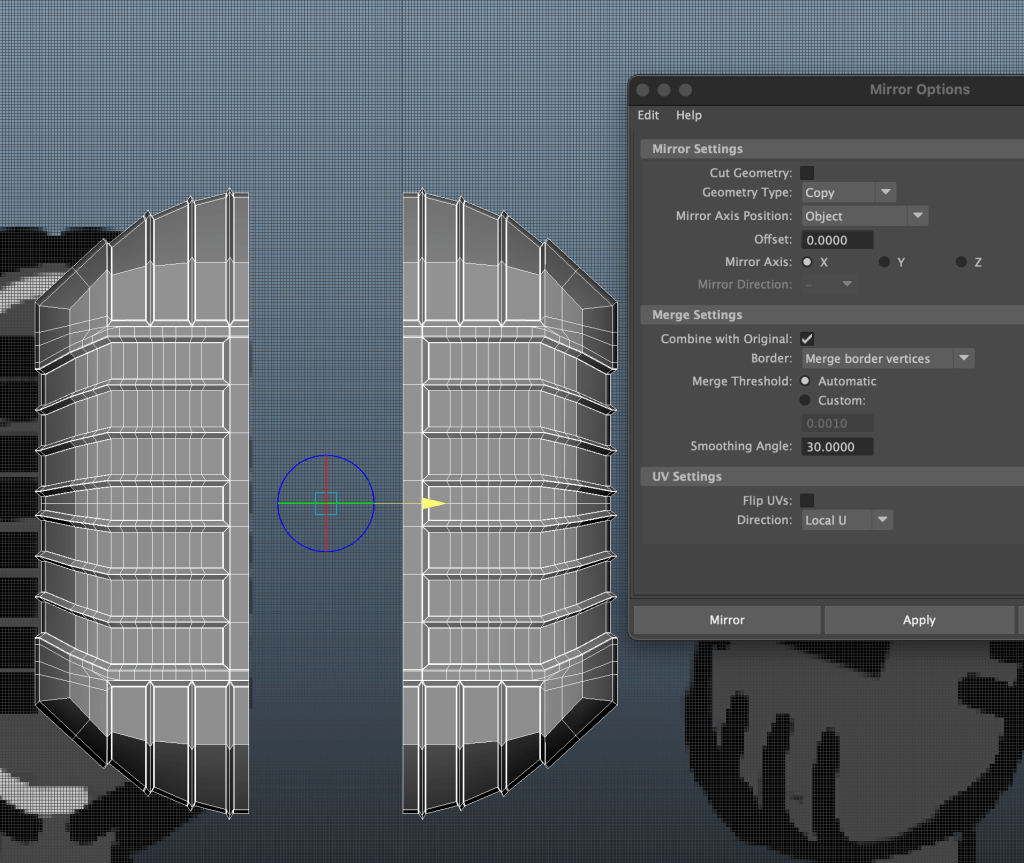


I should have beveled the edges instead of using edge loops, I think this would have given me a better outcome. Again, something to note next time.
The wire I made with using a nurb curve and extruding cylinders faces.
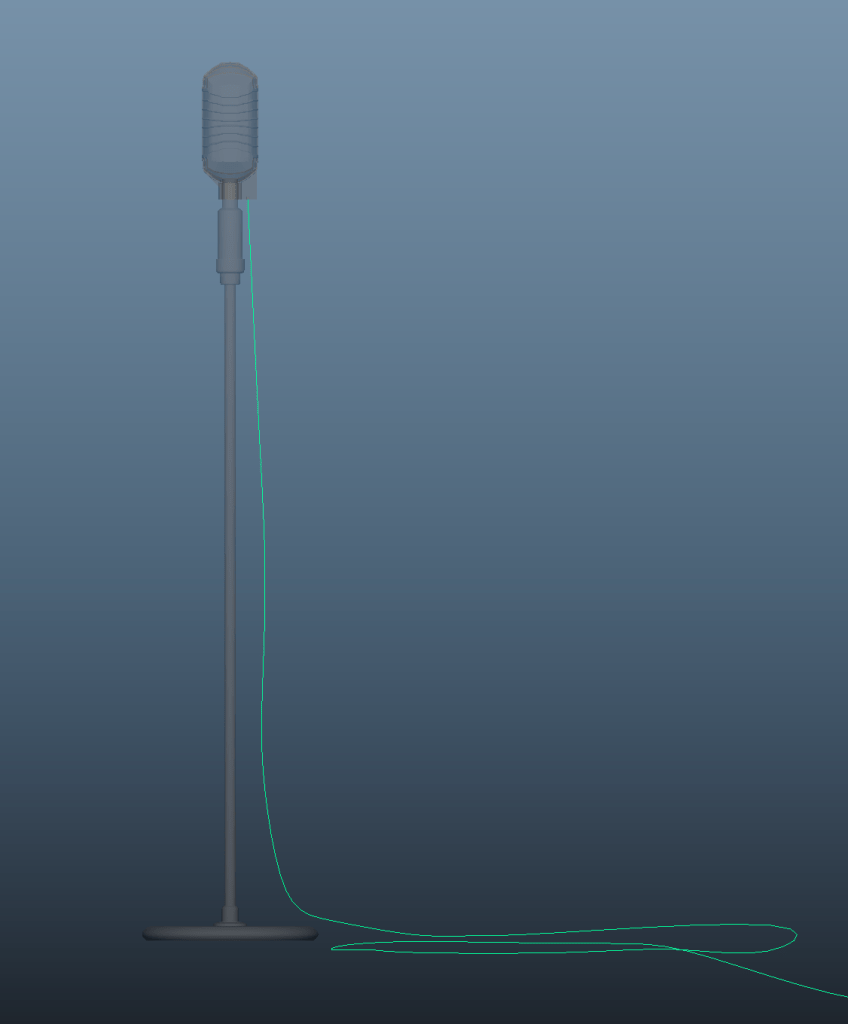
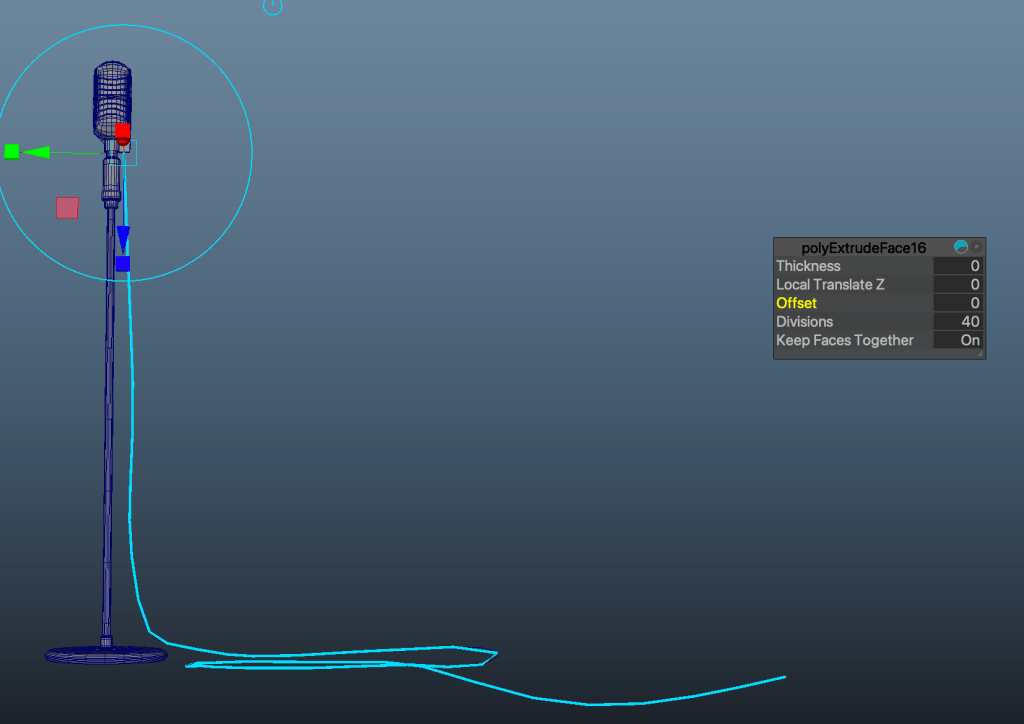
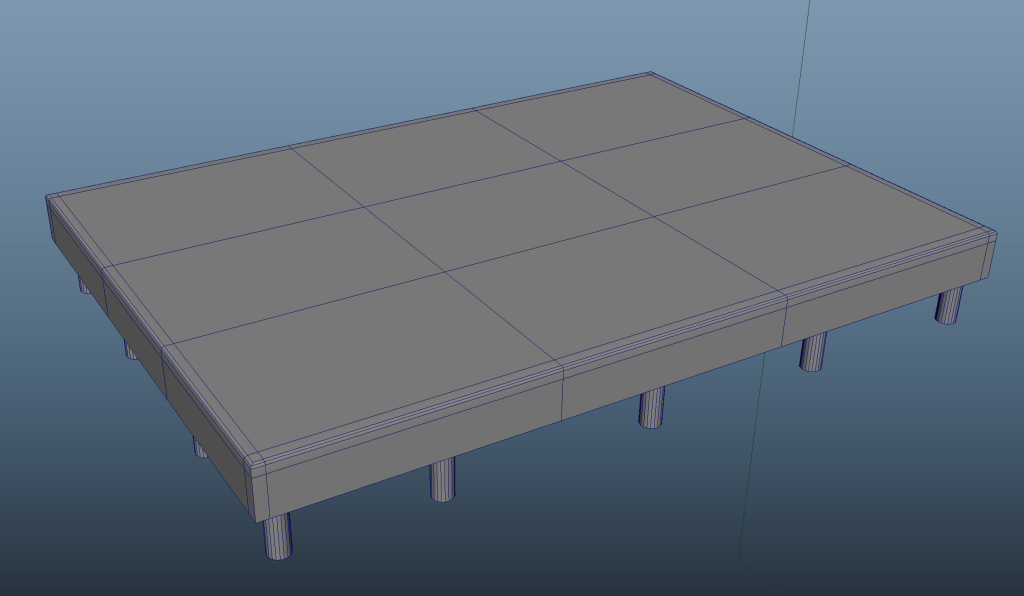
Stage is just containing of a cube and cylinders with beveled edges and edge loops.
 Art & Illustration by Reete